A working coding agent is about 2,500 lines of harness
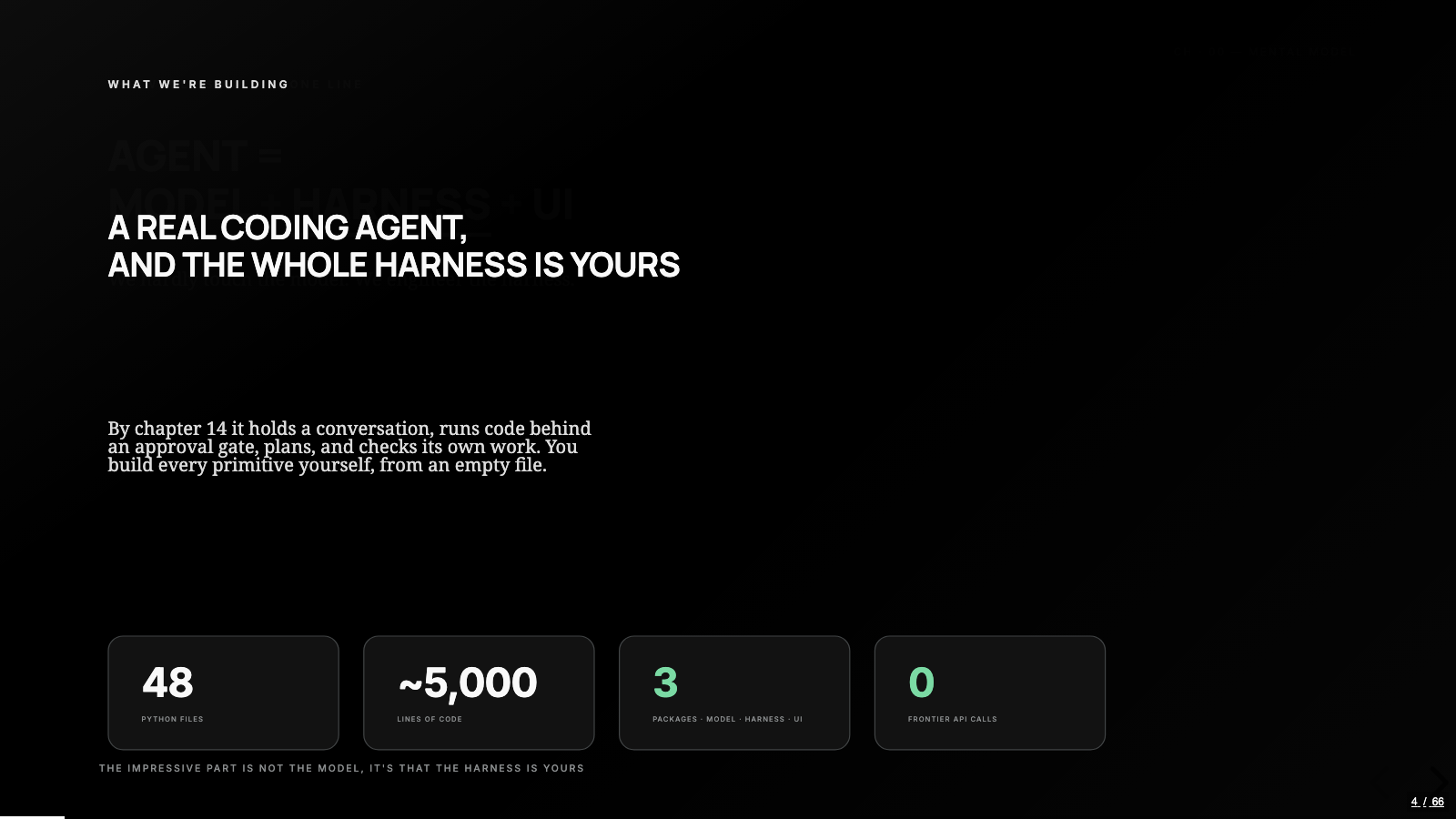
The harness engineering post drew the map: ten primitives around a stateless model, each one added where the previous one hit its limit. This is the map put to work. Over fifteen chapters we built a real coding agent from an empty Python file, one primitive per chapter, about 2,500 lines in total, against a small model running on my own hardware. The weights never changed once, and this post is about what building the machine by hand teaches that the map can't.
One scope note up front, because it shapes every decision in the build. This agent is small on purpose. We were never going to build the next Claude Code or Codex, and trying would have buried every primitive under production concerns. The design rule for every chapter was the least code that still teaches the idea, and that rule turned out to be load-bearing: when a mechanism is small enough to read in one sitting, you stop attributing its behavior to magic.
One line, three packages
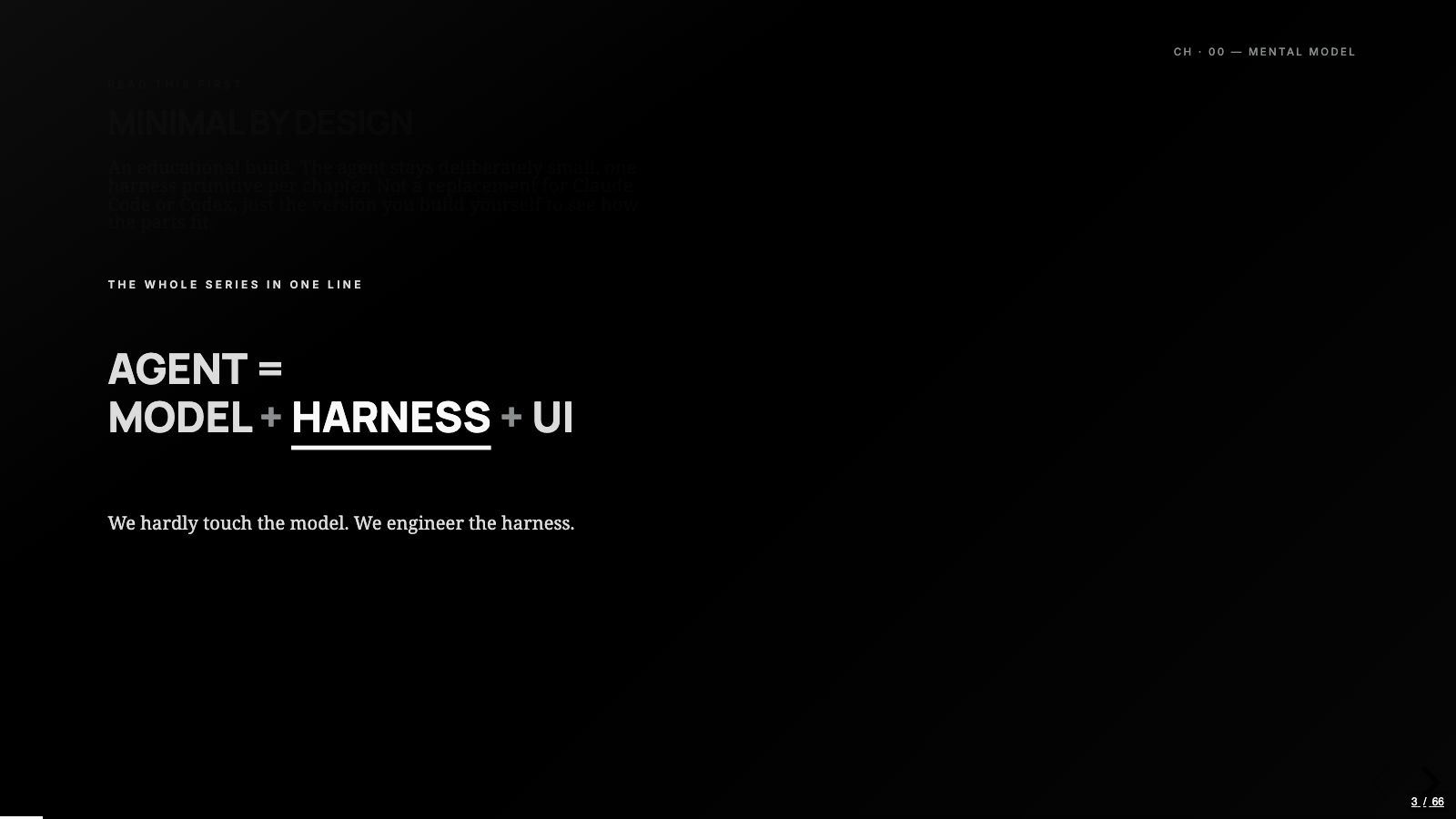
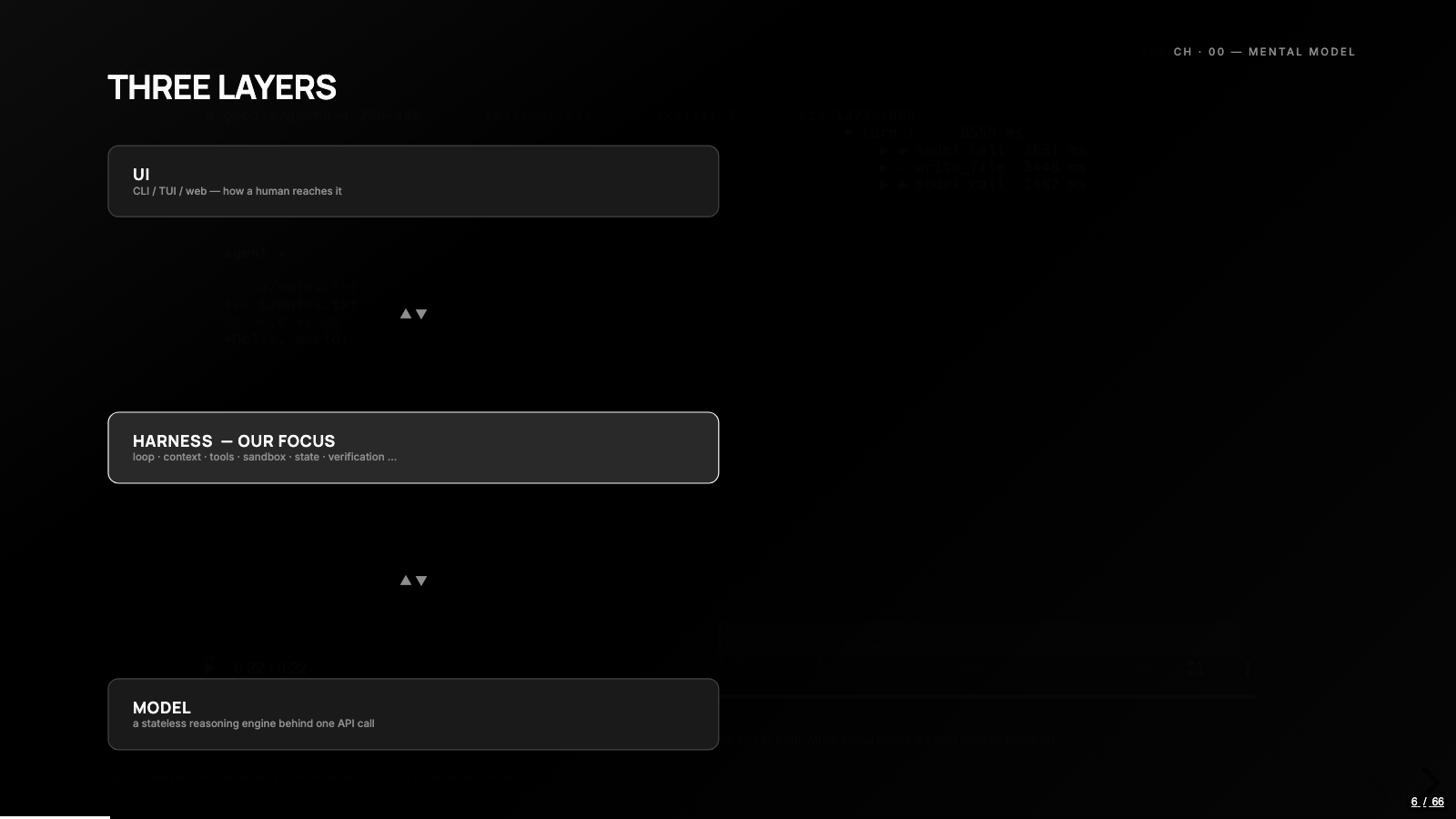
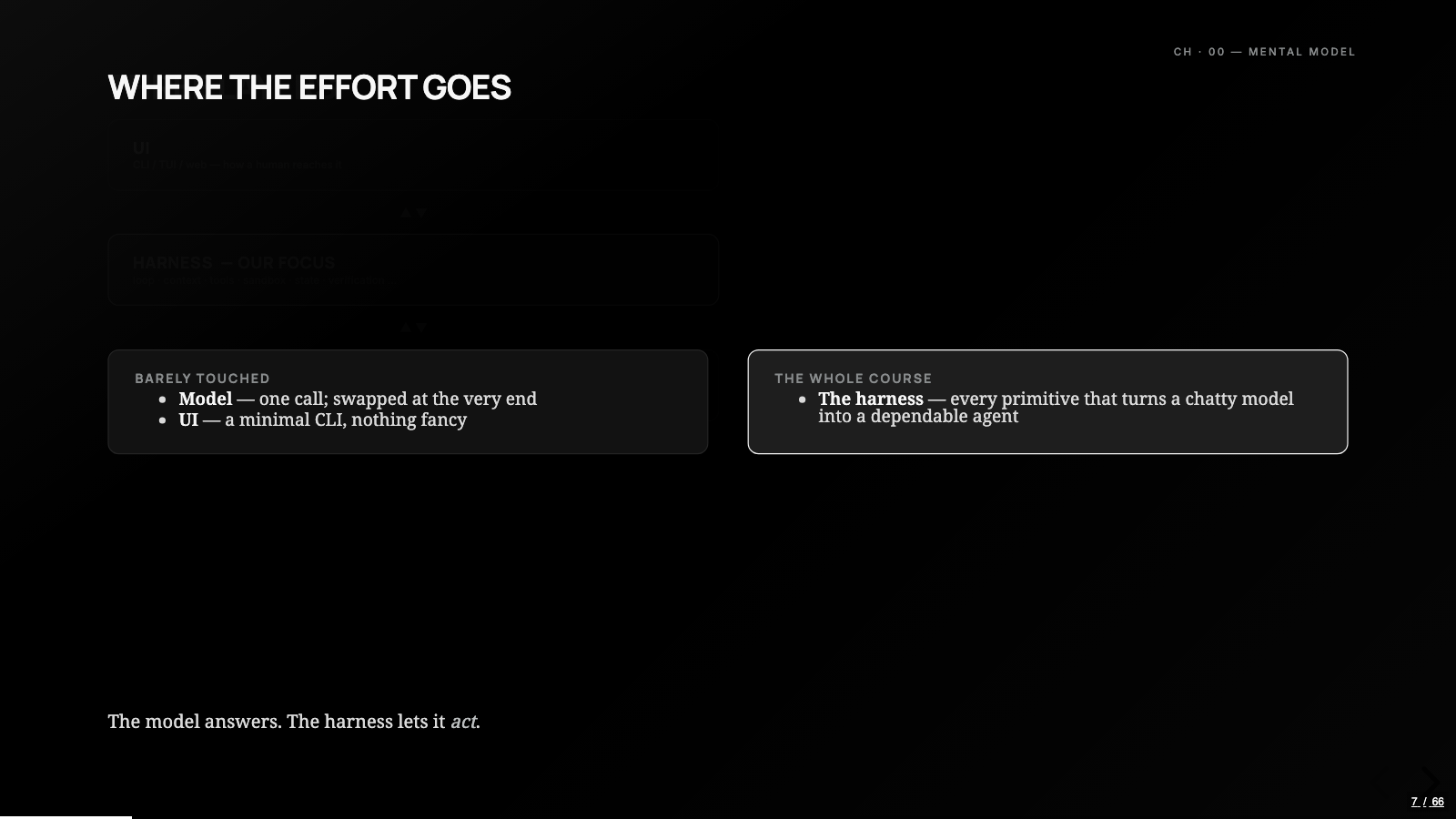
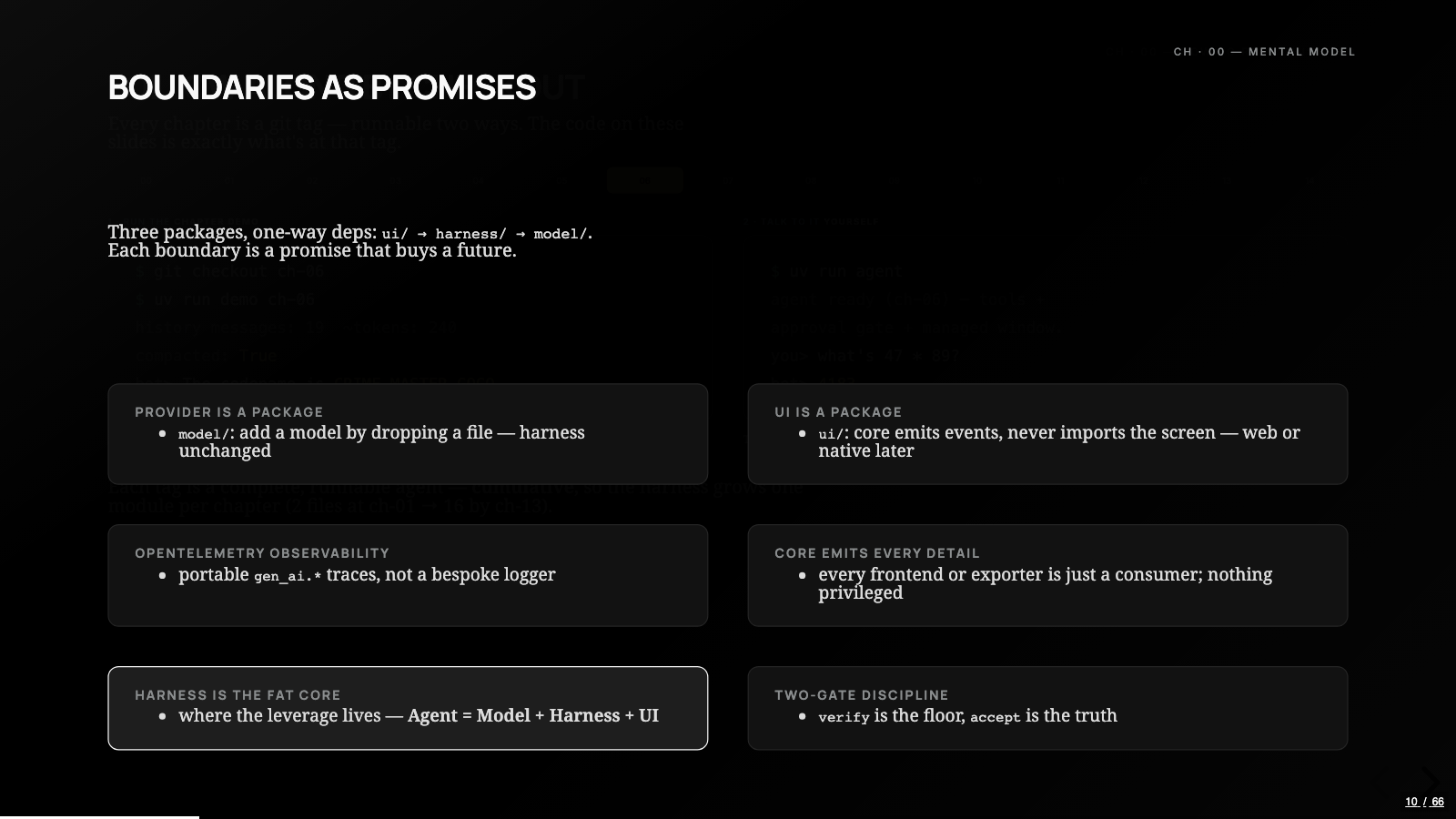
The whole build compresses to one line: an agent is a model plus a harness plus a UI. The model is a stateless reasoning engine behind one API call. The UI is just how a human reaches it. Everything that makes the thing feel like an agent lives in the middle, and the middle is where this entire build happens.
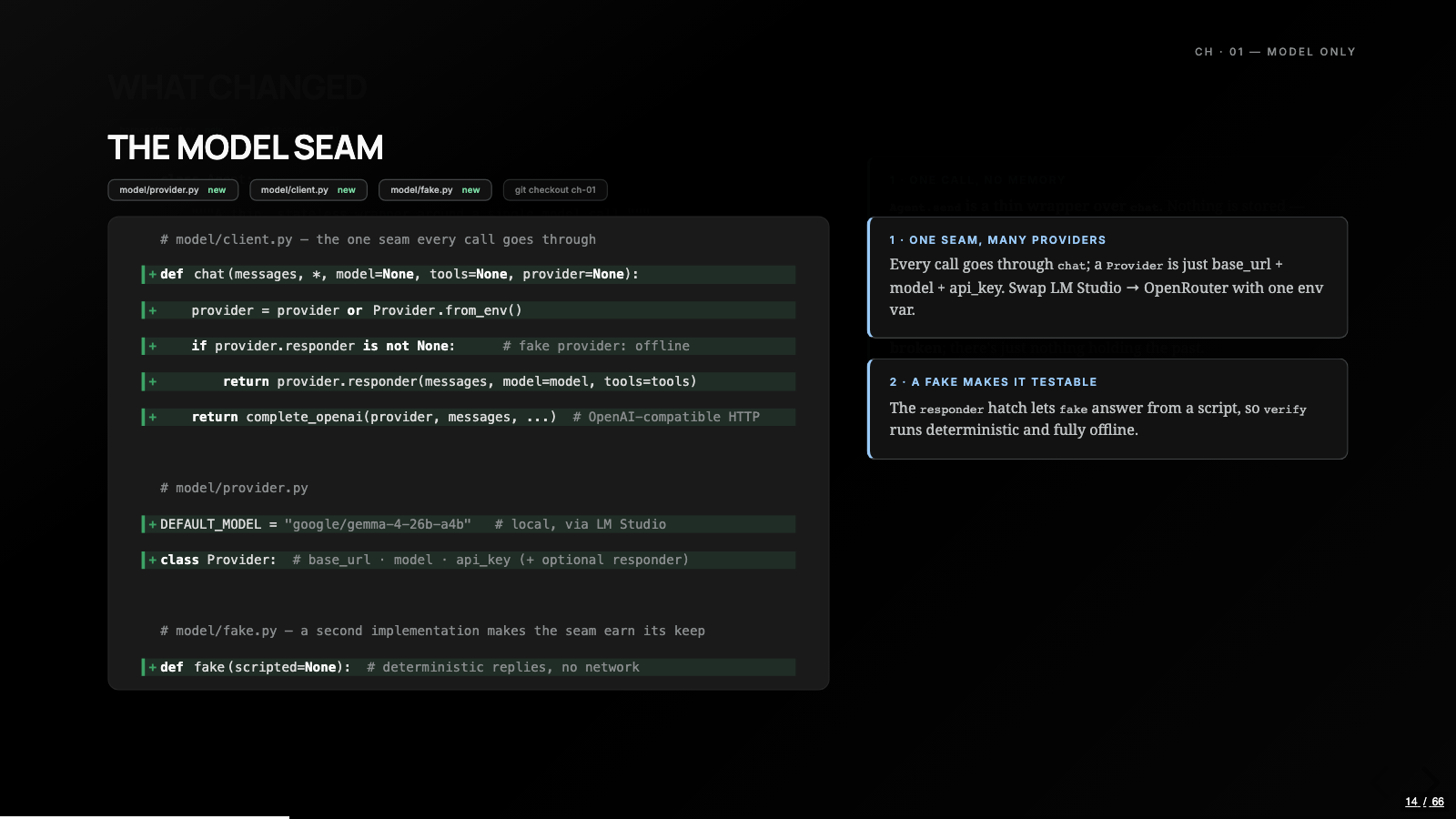
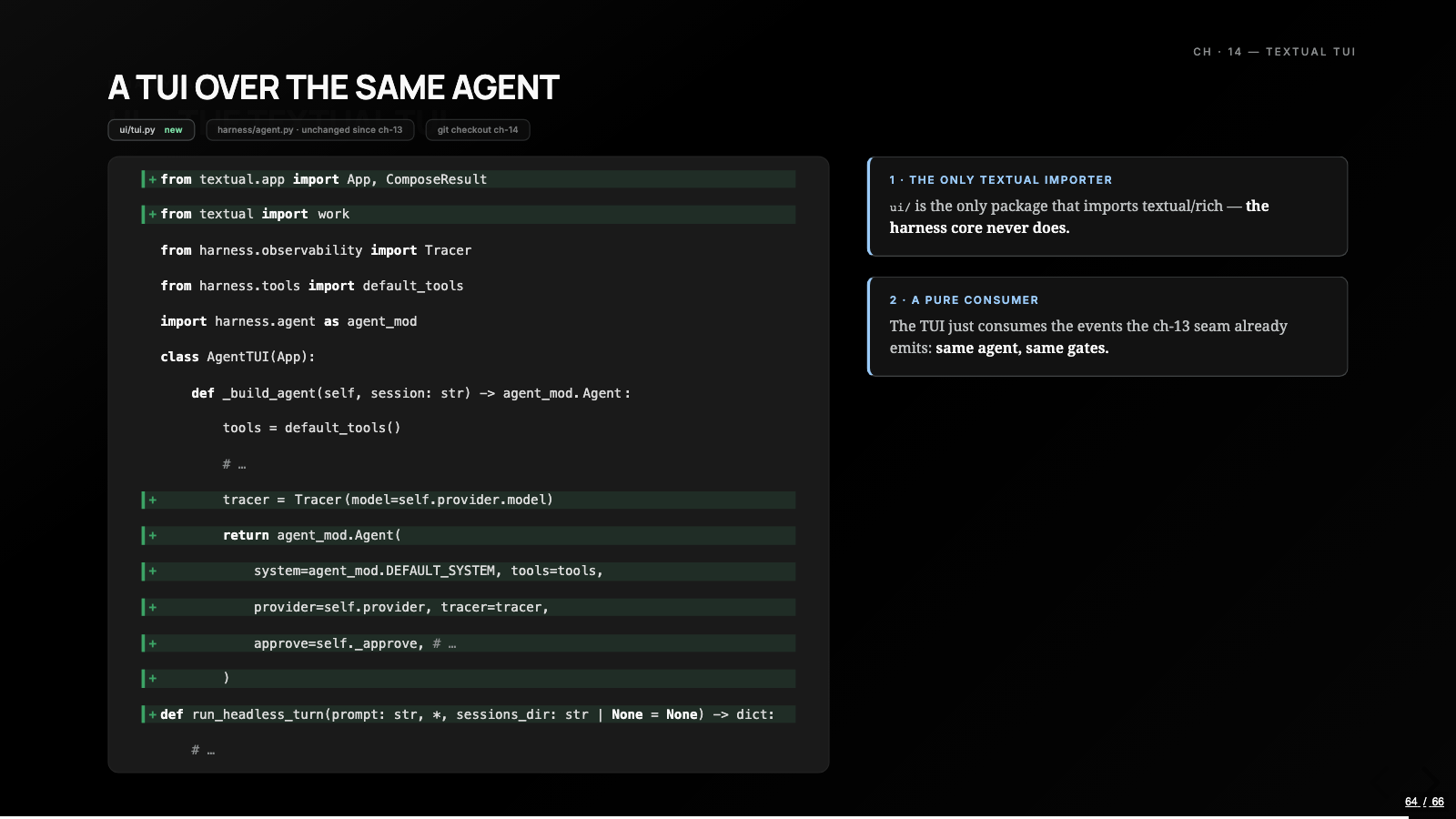
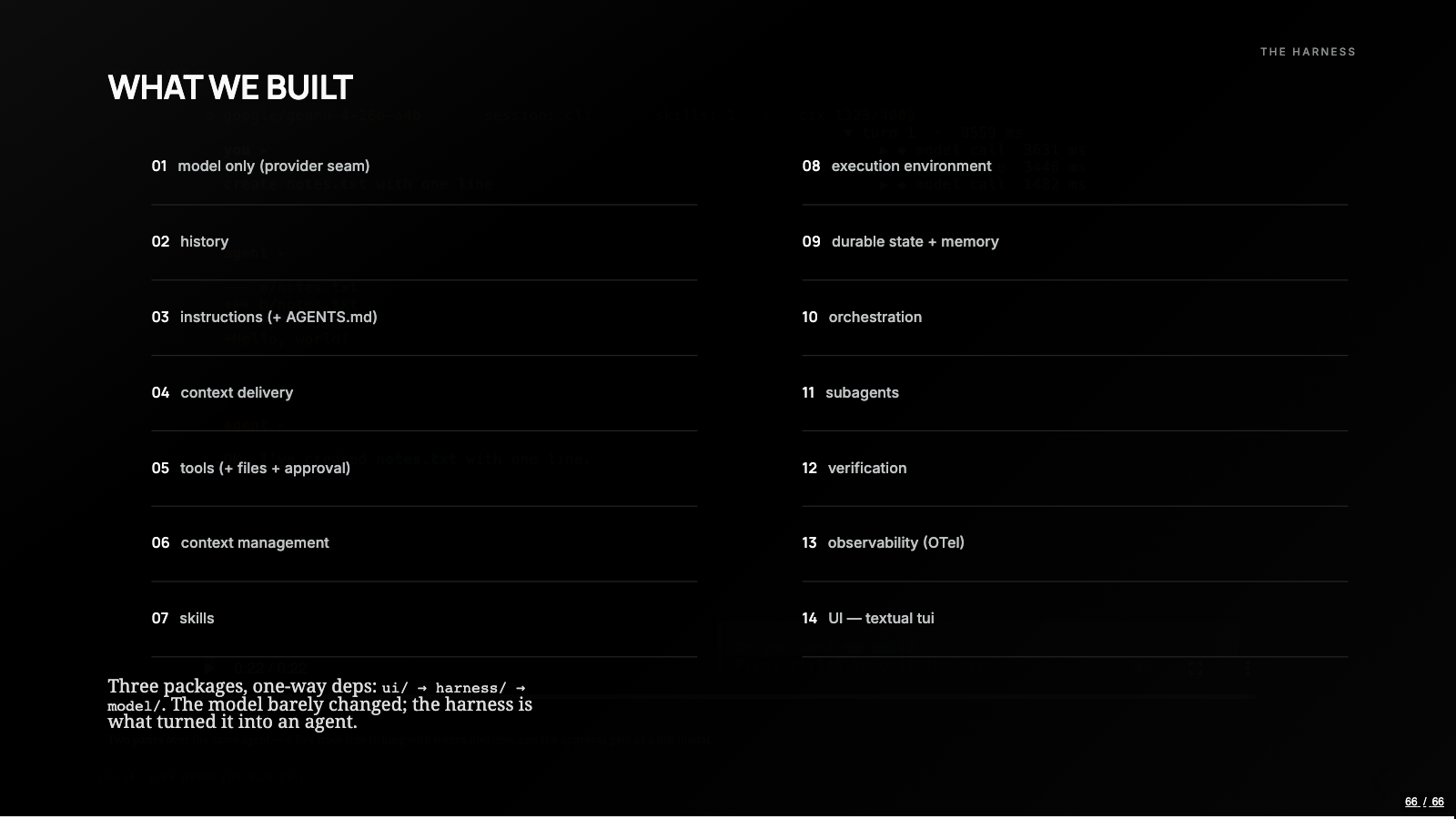
That one line became three Python packages with a rule attached: the imports only point one way. ui imports from harness, harness imports from model, and nothing points back. The model package hides the provider behind a seam, so LM Studio, Ollama, or OpenRouter is a one-line swap, and so is the fake provider the tests use. The UI package is the only one allowed to import Textual, so the core never learns a screen exists. For the recording I ran Gemma 4 26B-A4B locally through LM Studio, and nothing in the harness knows or cares which model is on the other end of the seam.
The repo is the course
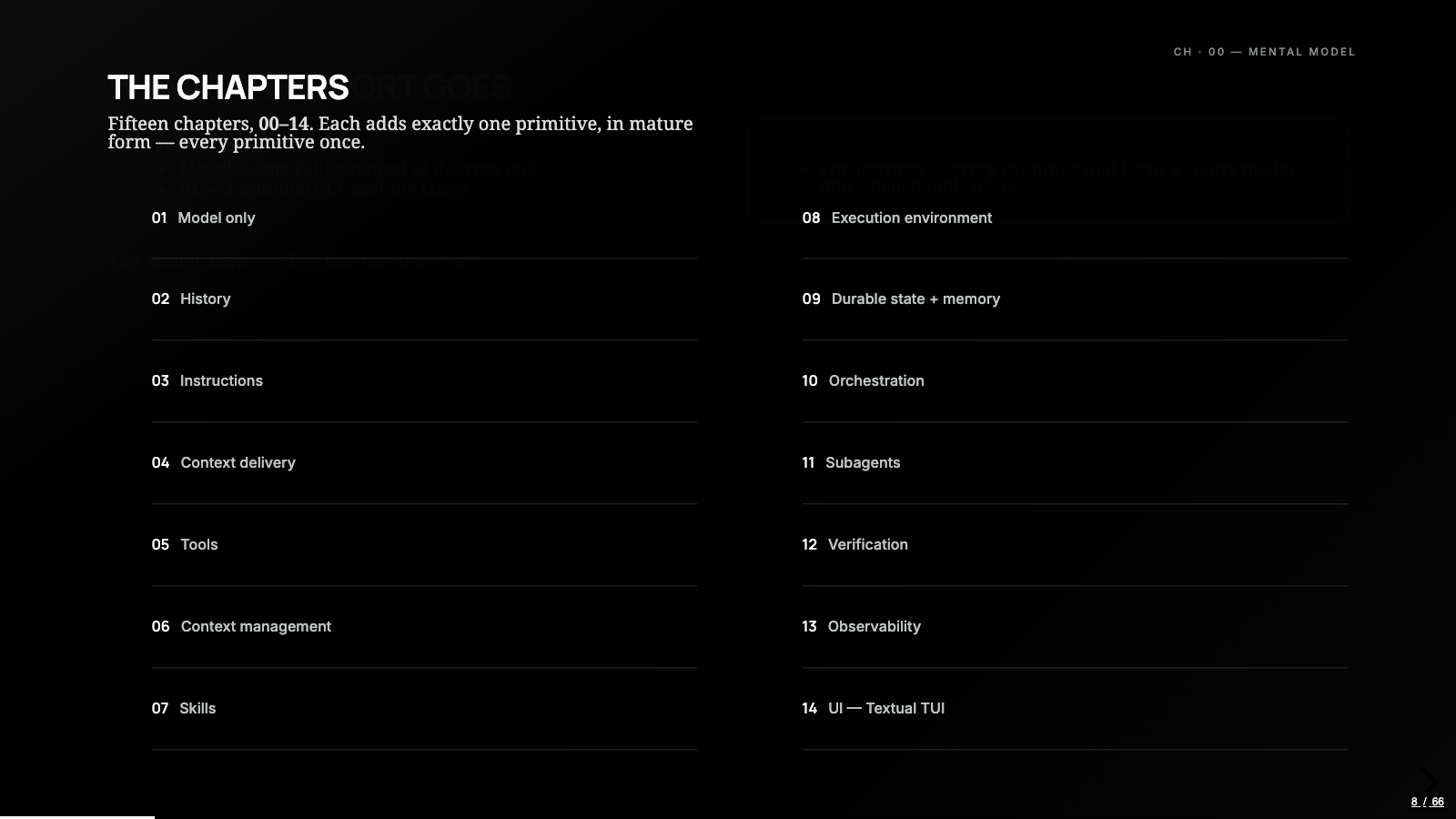
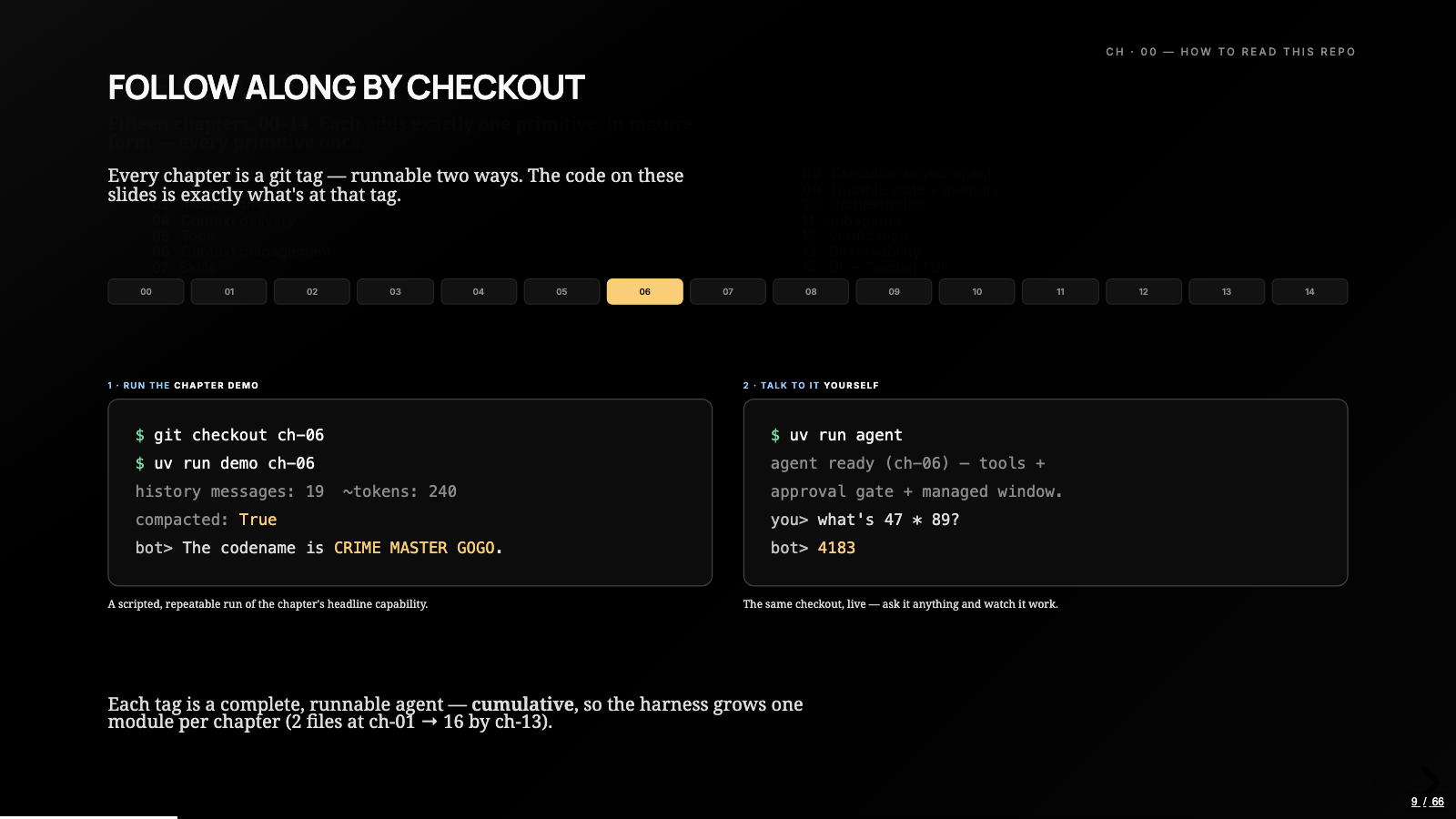
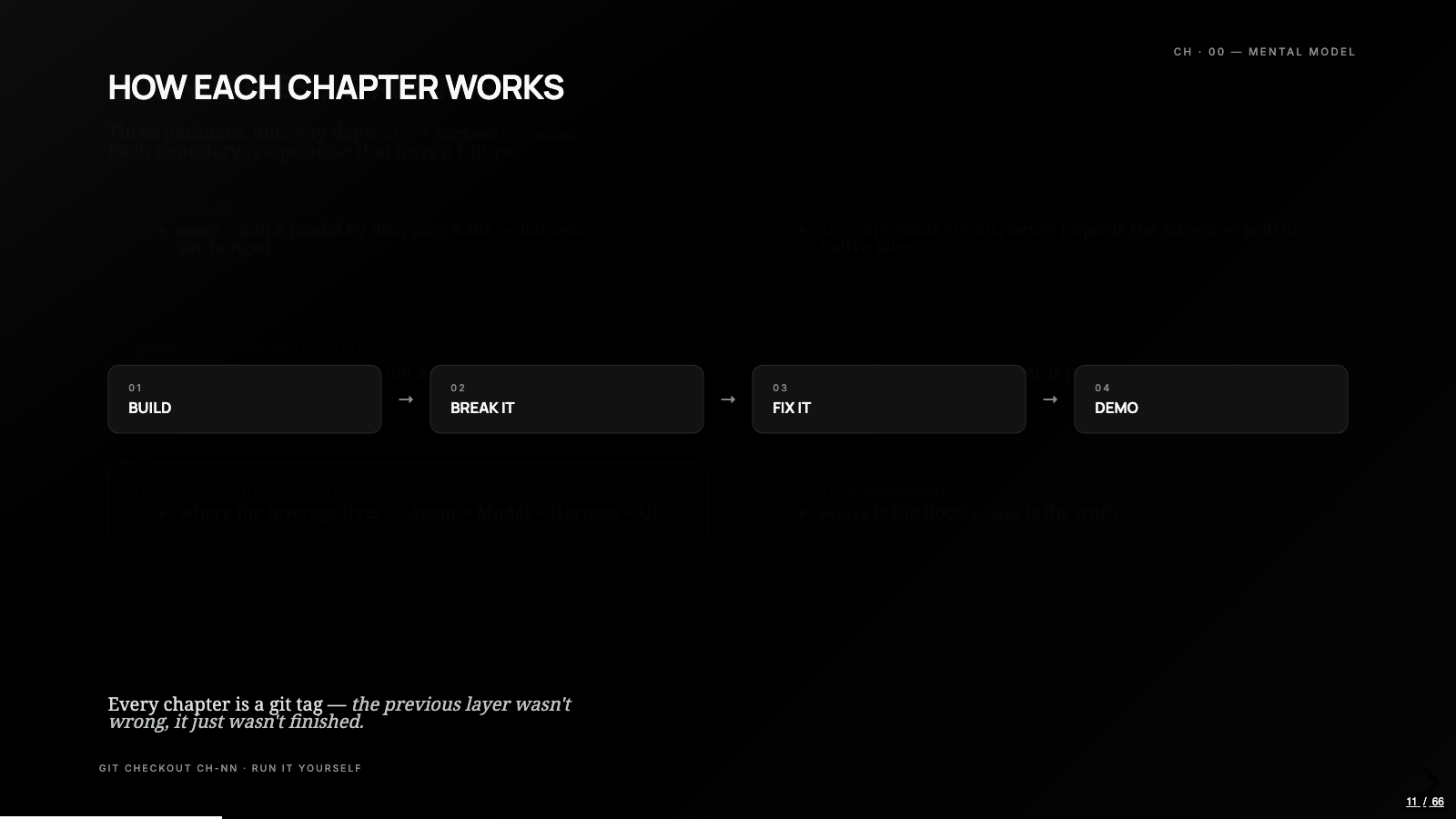
The build ships as one public repository of git tags, ch-00 through ch-14, one per chapter. Check out any tag and you get the exact runnable agent at that point in the build. uv run demo ch-06 plays that chapter’s scripted demo, uv run agent drops you into a live REPL against the same code, and on main, uv run tui opens the finished terminal UI. The tags are cumulative, so the harness grows roughly one module per chapter: two files at chapter one, sixteen modules by chapter thirteen.
This structure is the part I’d defend hardest. The code on every slide of the video is exactly what sits at that tag, and each chapter’s what-changed view is the real commit diff, so every delta the video skips over is there to read at your own pace. A course that ships as a repo of tags can be checked out at the moment a primitive was three lines old, which is the moment it’s easiest to understand.
It forgets its own name
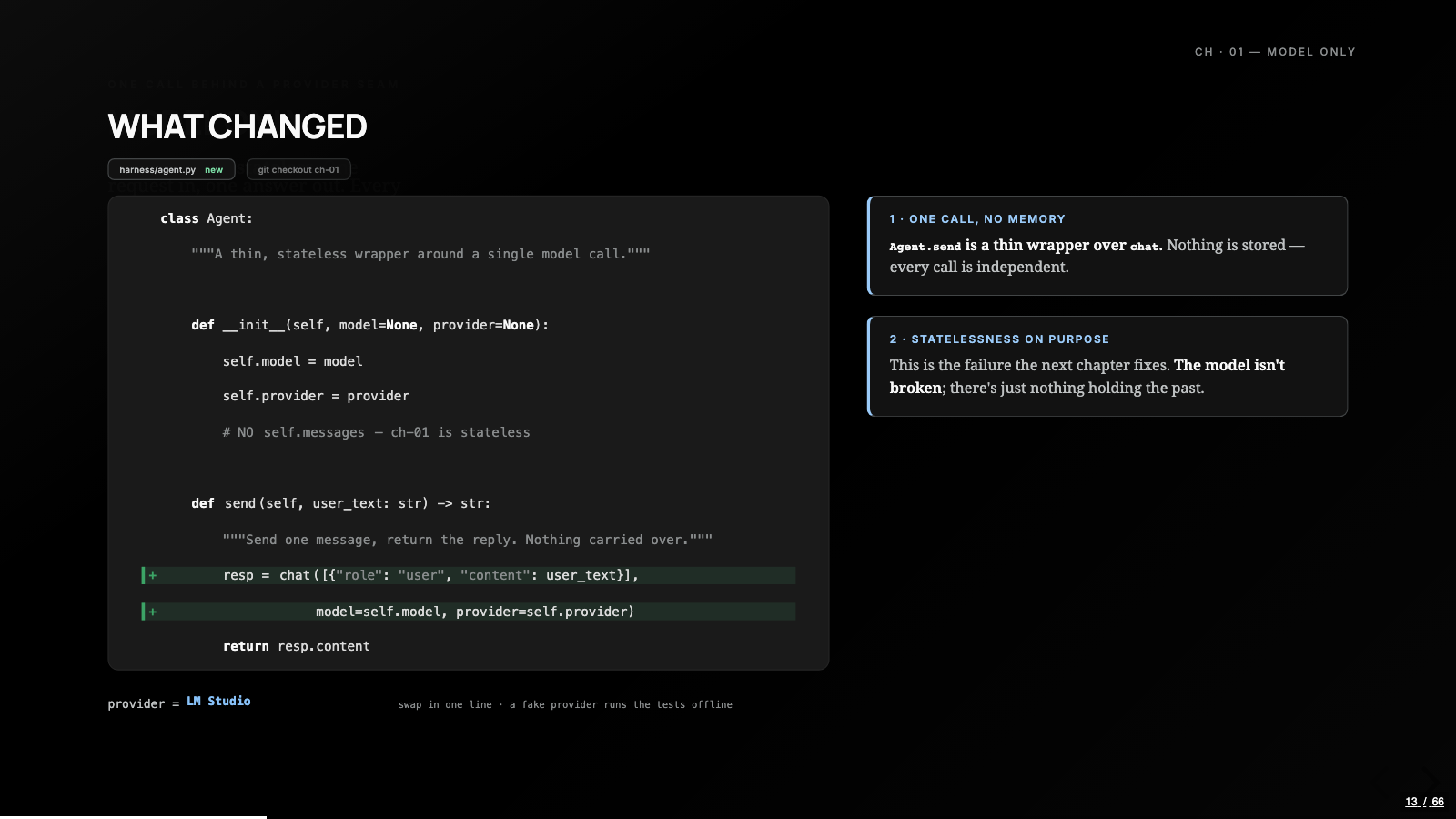
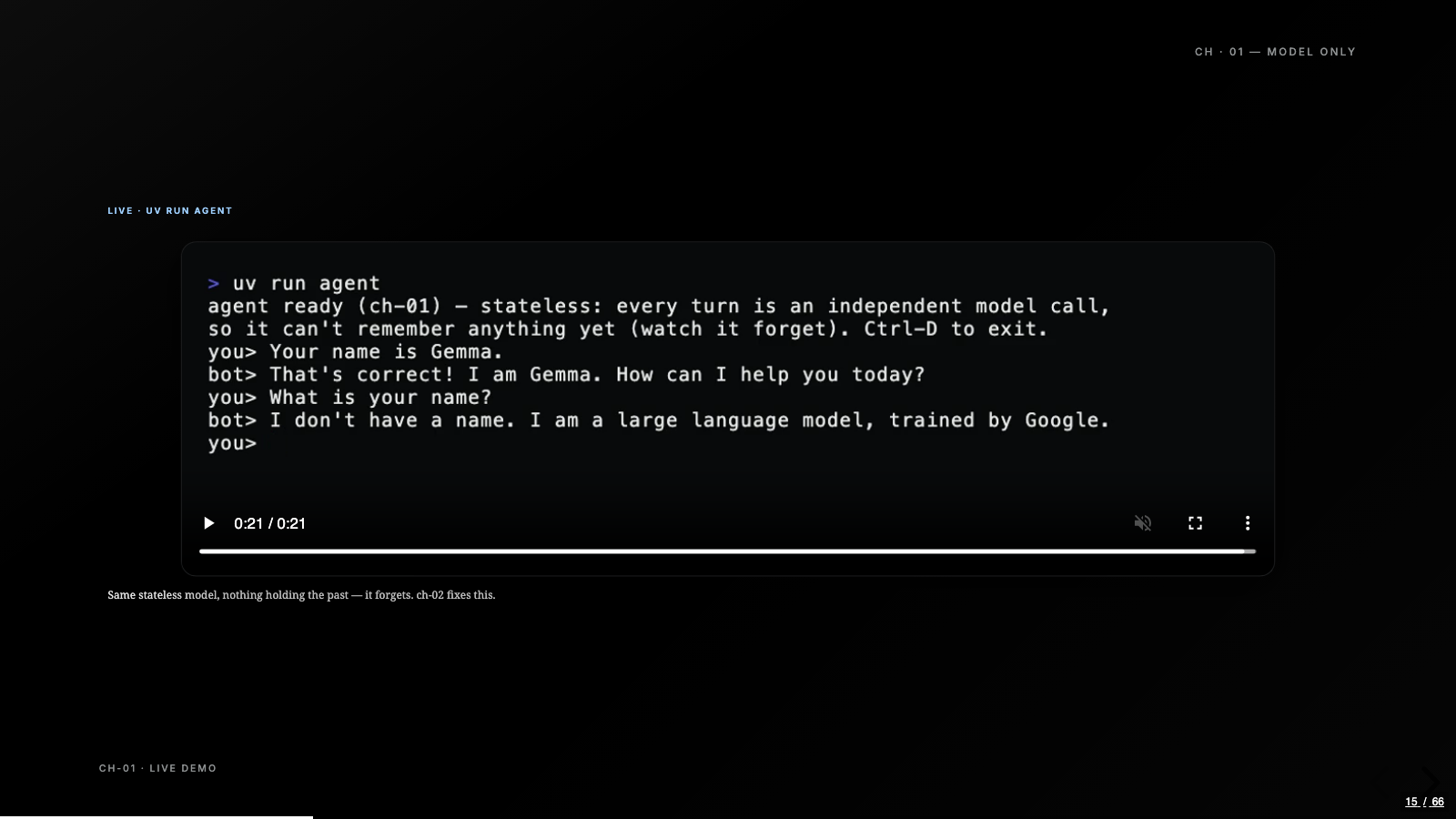
Chapter one is the whole agent in one class with one send method, and send is a single chat call. No message list, no state, just a small REPL so you can keep typing. The demo is two turns. I tell it “your name is Gemma” and it agrees warmly. The very next turn I ask its name, and it has no idea. I told it seconds ago.
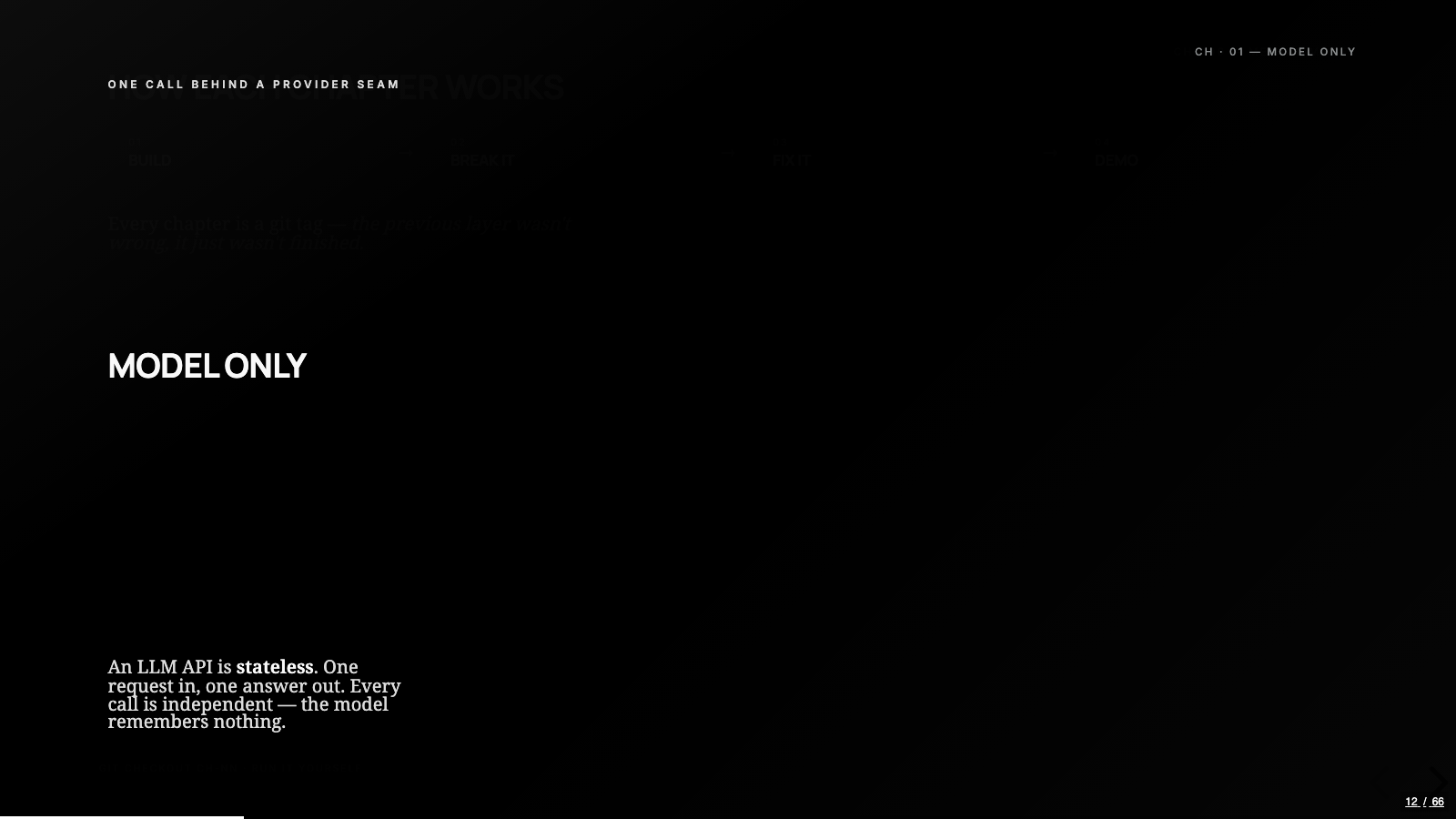
I knew LLM APIs were stateless long before this build. Watching a model forget its own name inside two turns is a different kind of knowing. One request in, one answer out, and nothing carried between calls: every bit of statefulness we’ve ever felt from a chatbot was a harness feeding history back in, not the model remembering.
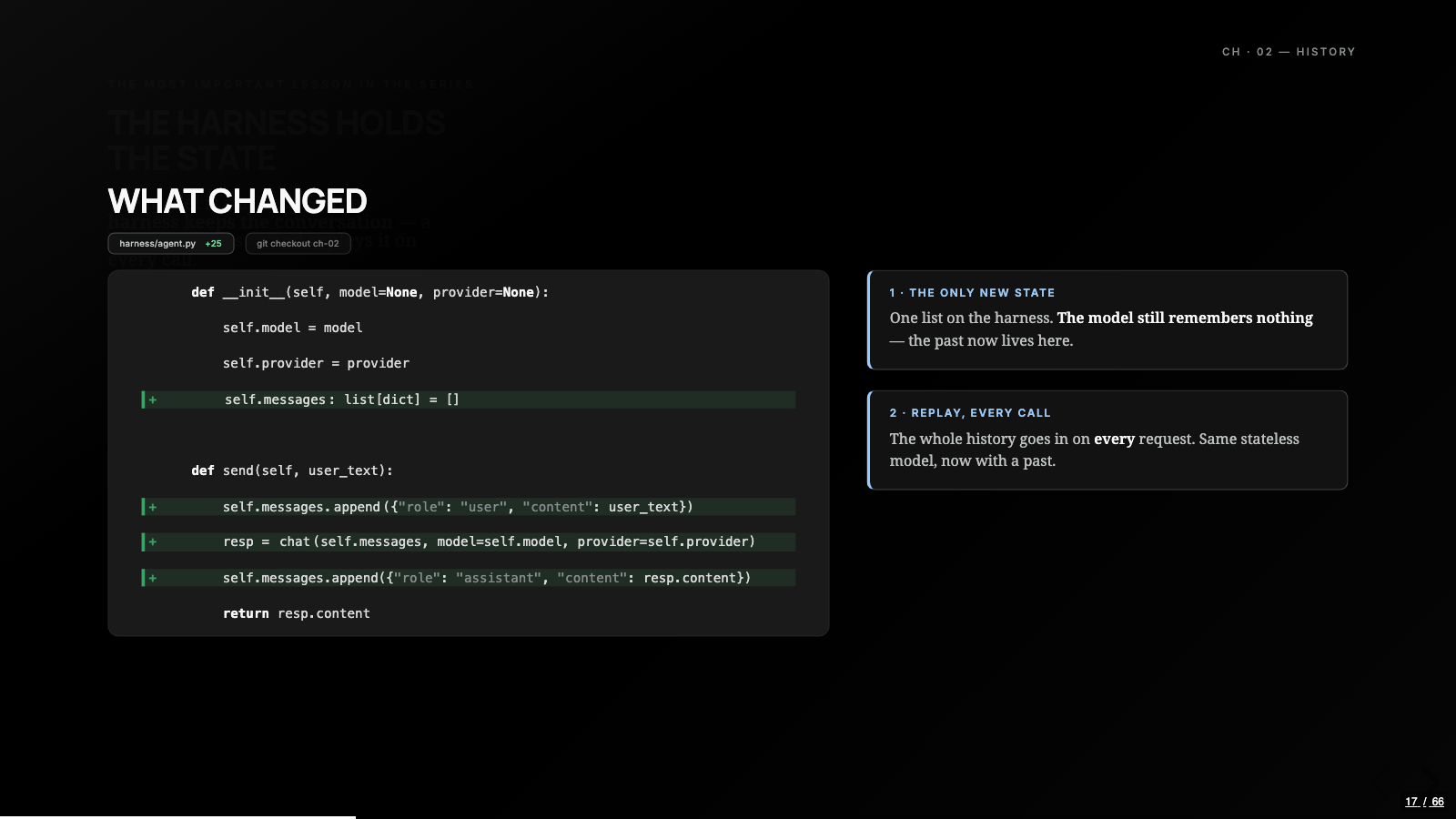
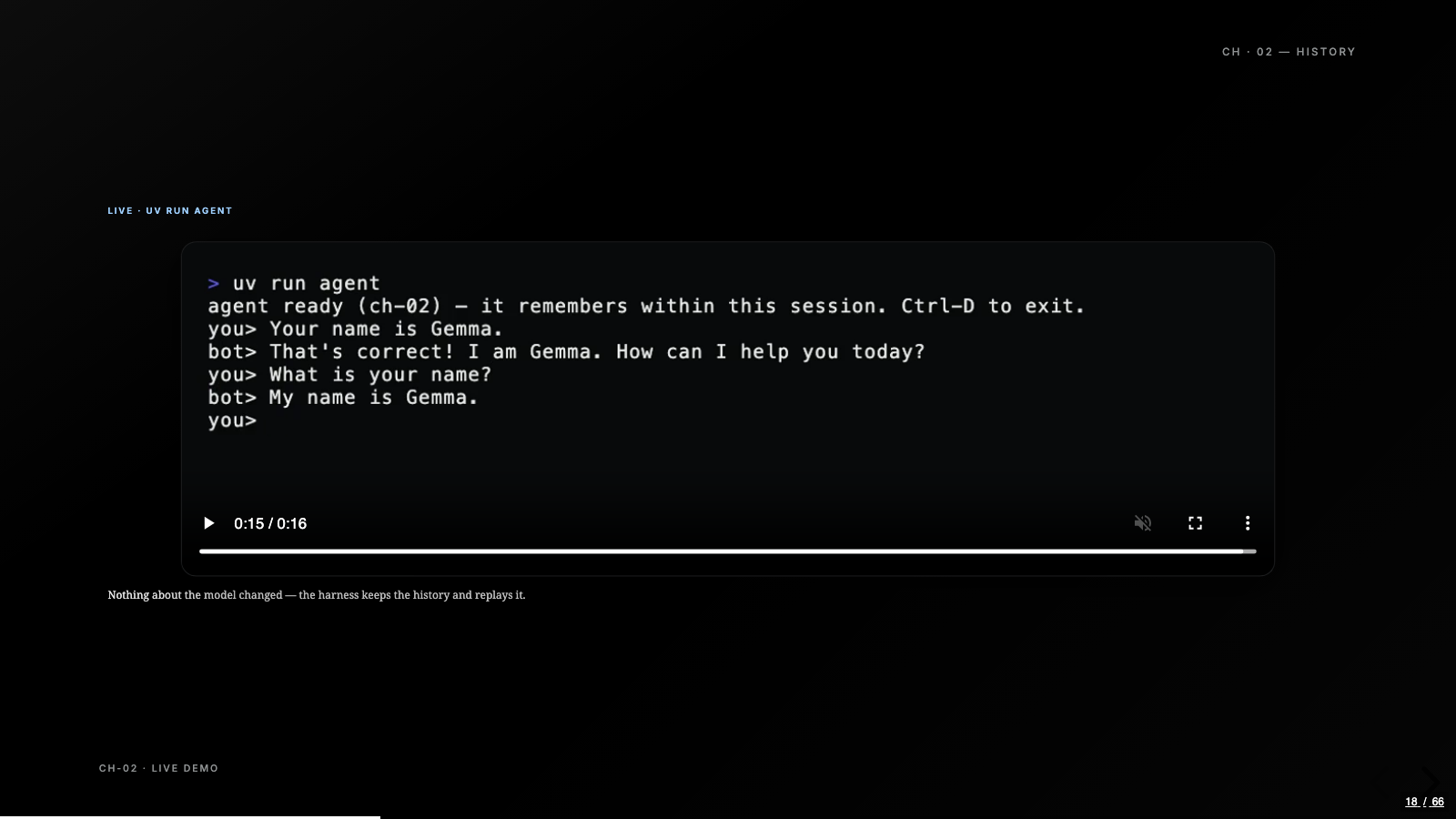
Chapter two fixes it, and every primitive that follows hangs off this one change. The harness keeps the conversation and replays it on every call. In code, that’s a list and two appends:
def send(self, user_text):
    self.messages.append({"role": "user", "content": user_text})
    resp = chat(self.messages, model=self.model, provider=self.provider)
    self.messages.append({"role": "assistant", "content": resp.content})
    return resp.content
That’s the entire difference between a model that forgets you the instant it answers and one that feels like it remembers you. Every primitive that follows, instructions, tools, memory, hangs off this one list.
The least code that still teaches the idea
The middle chapters kept repeating that lesson: the mechanism behind an agent capability is usually smaller than the capability feels from the outside.
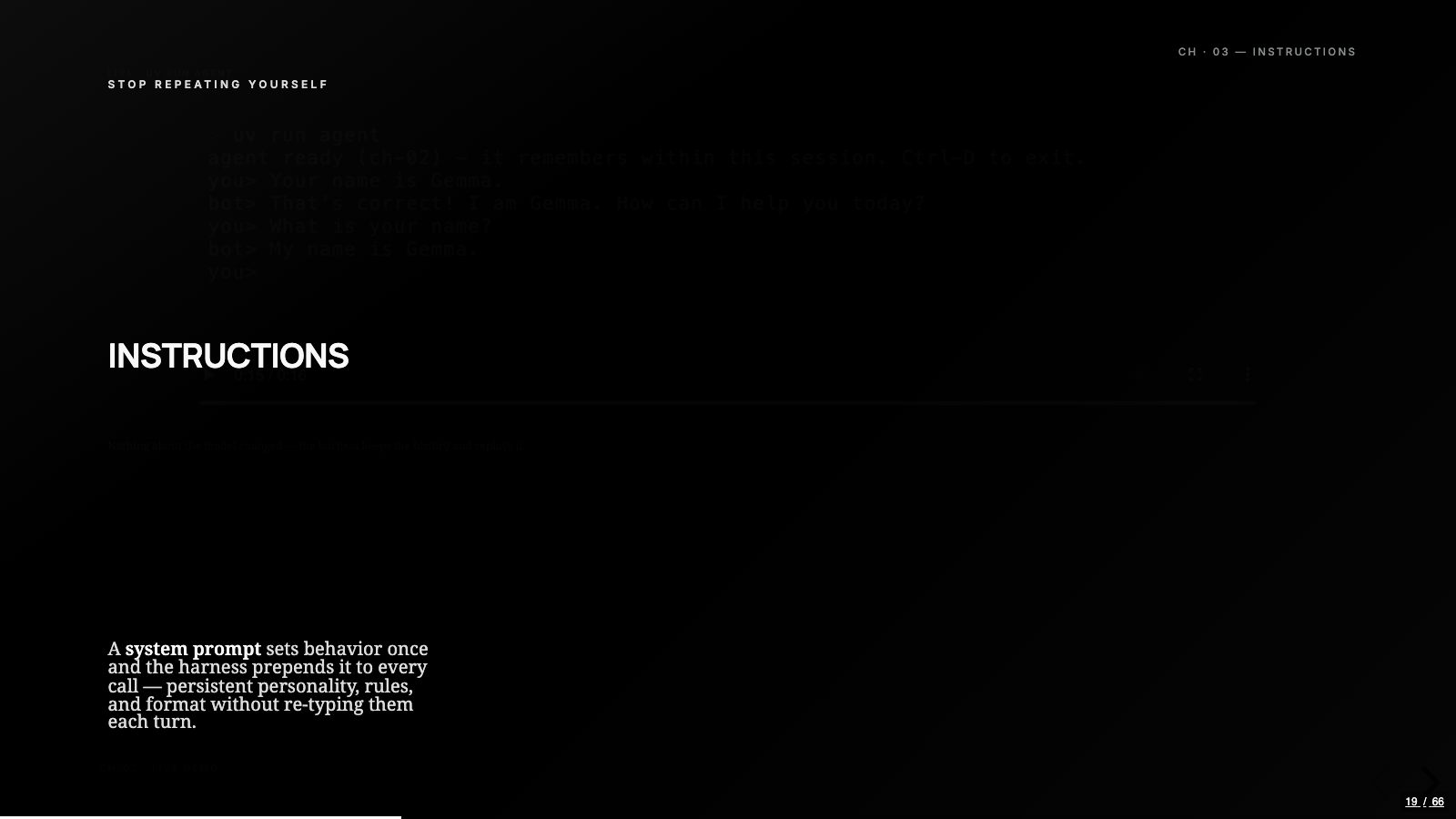
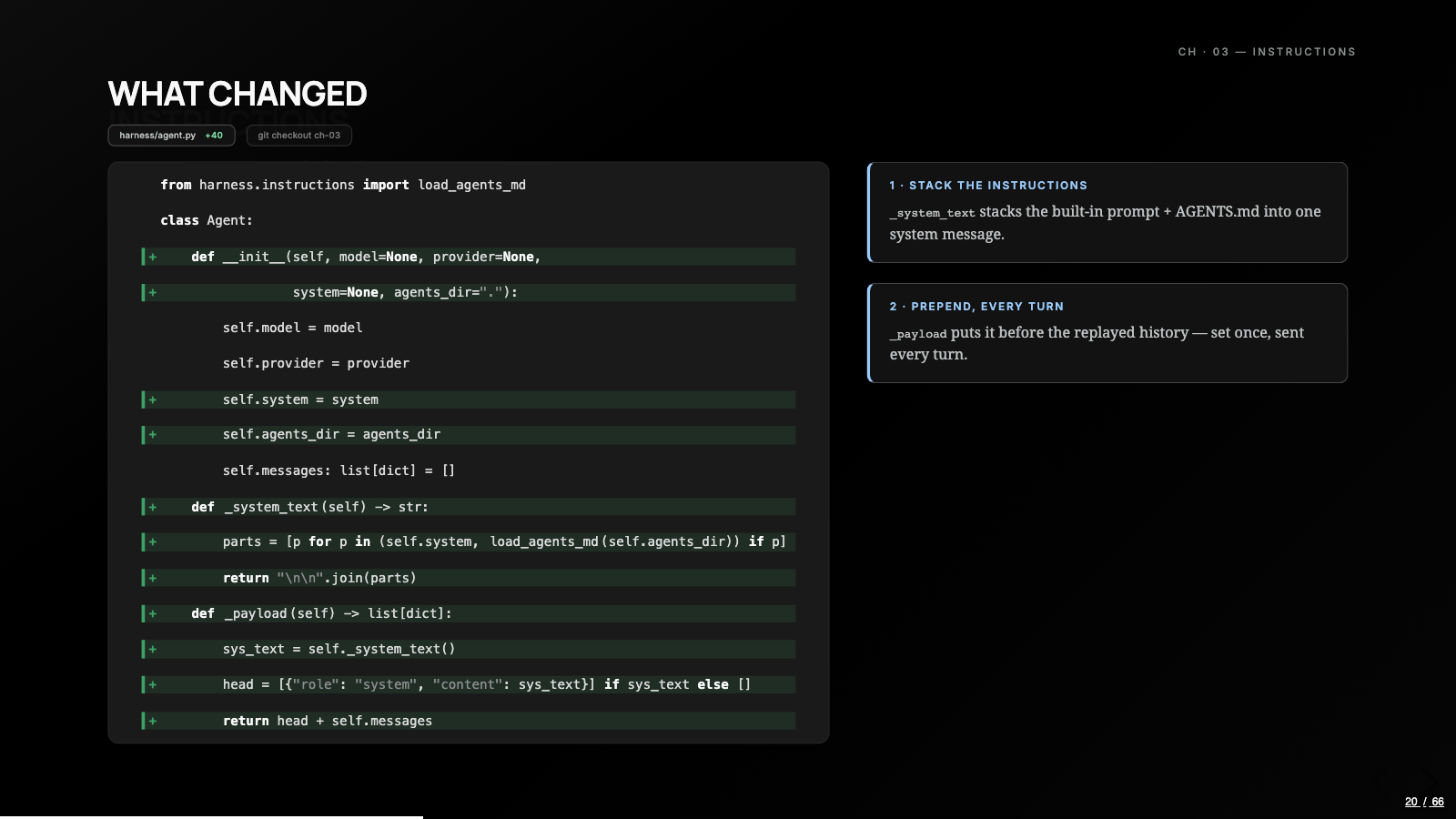
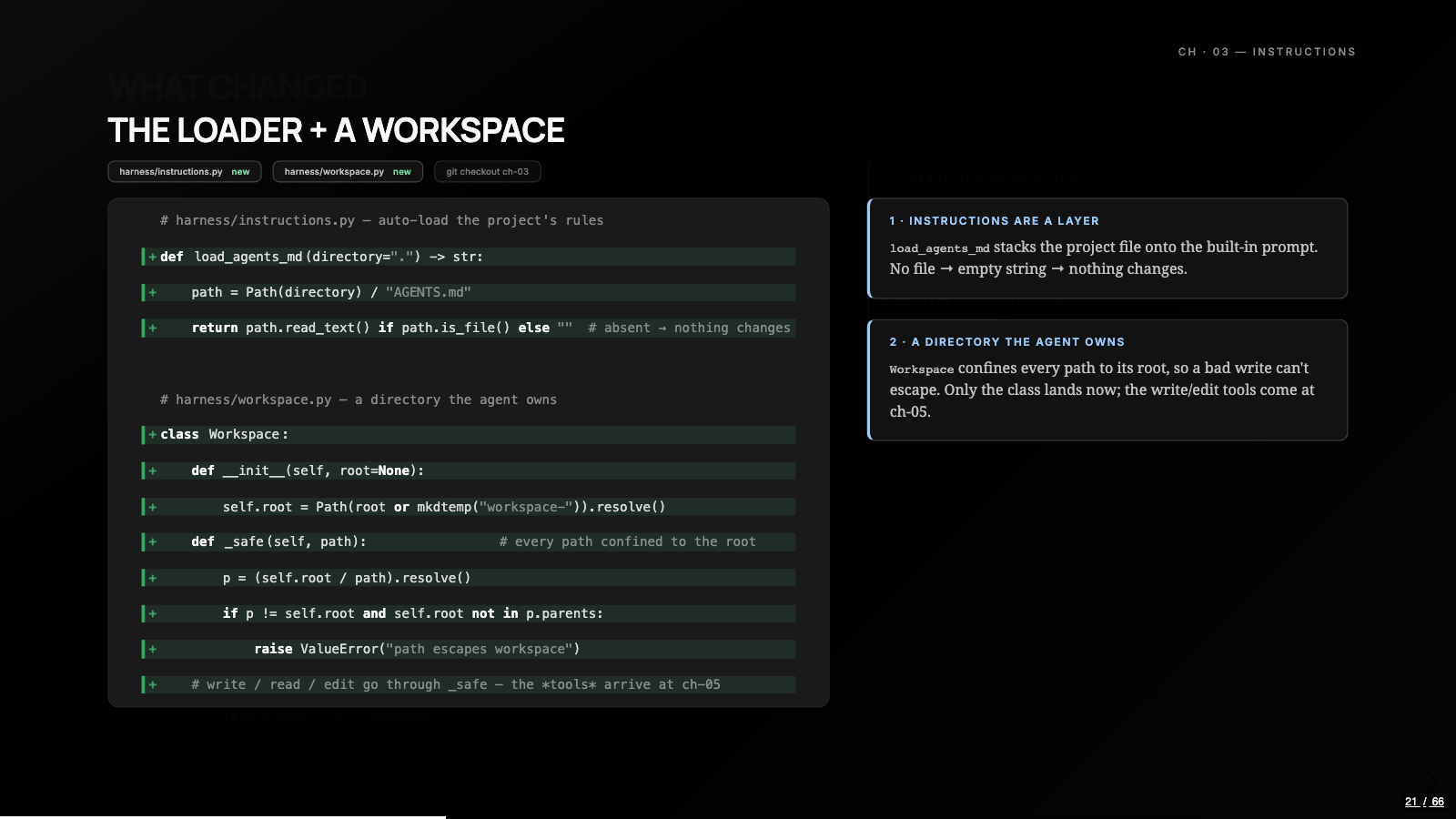
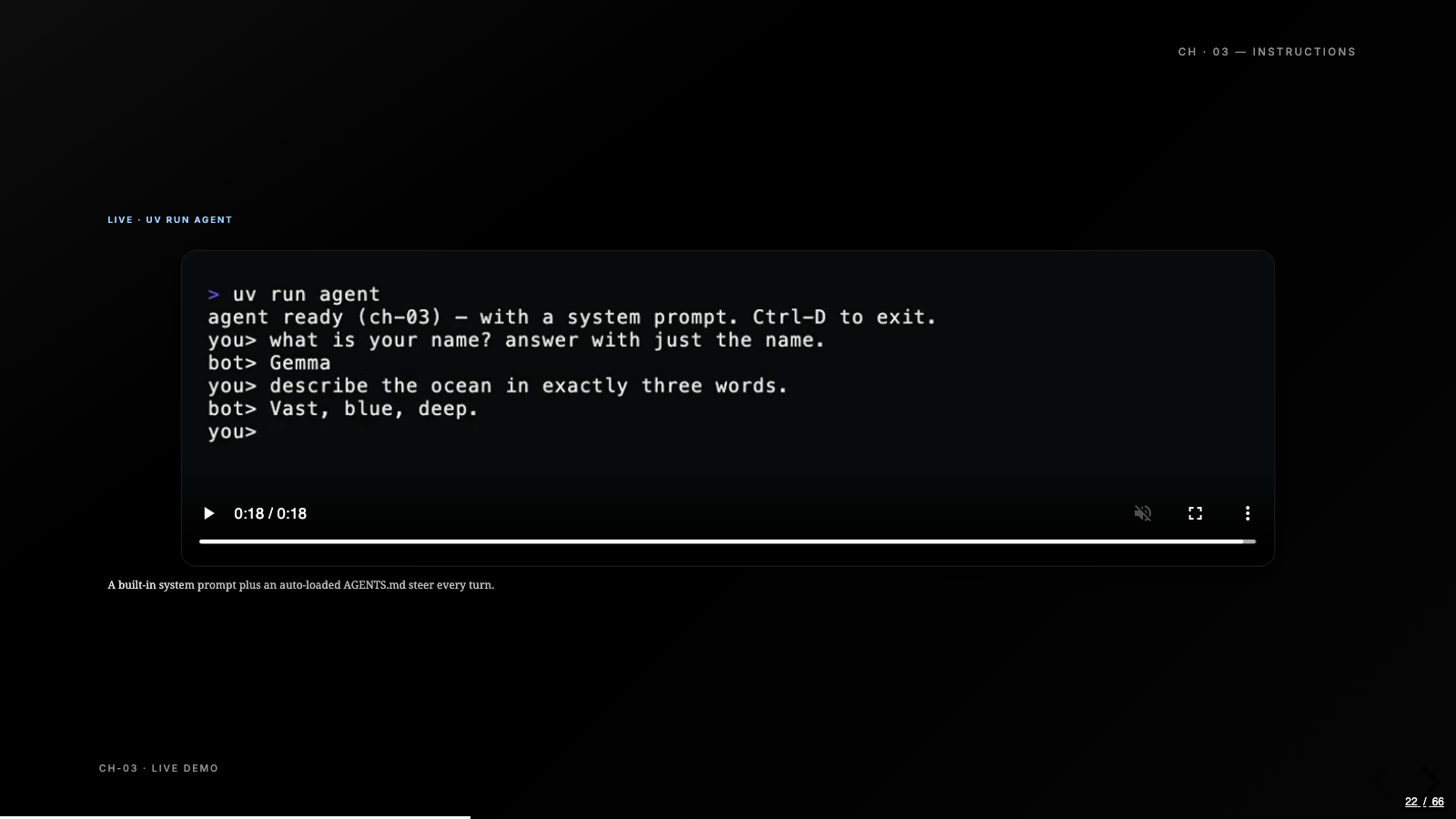
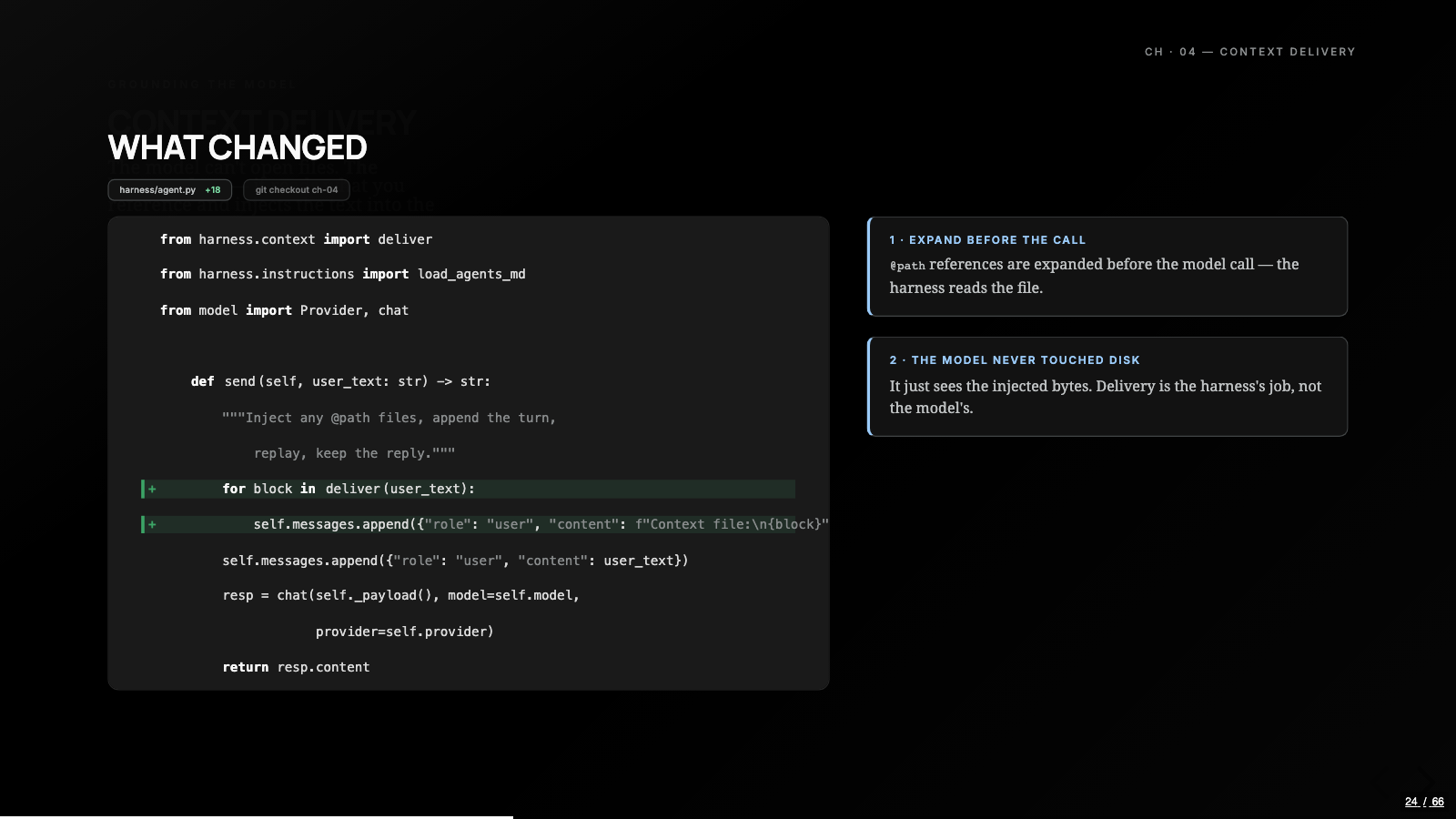
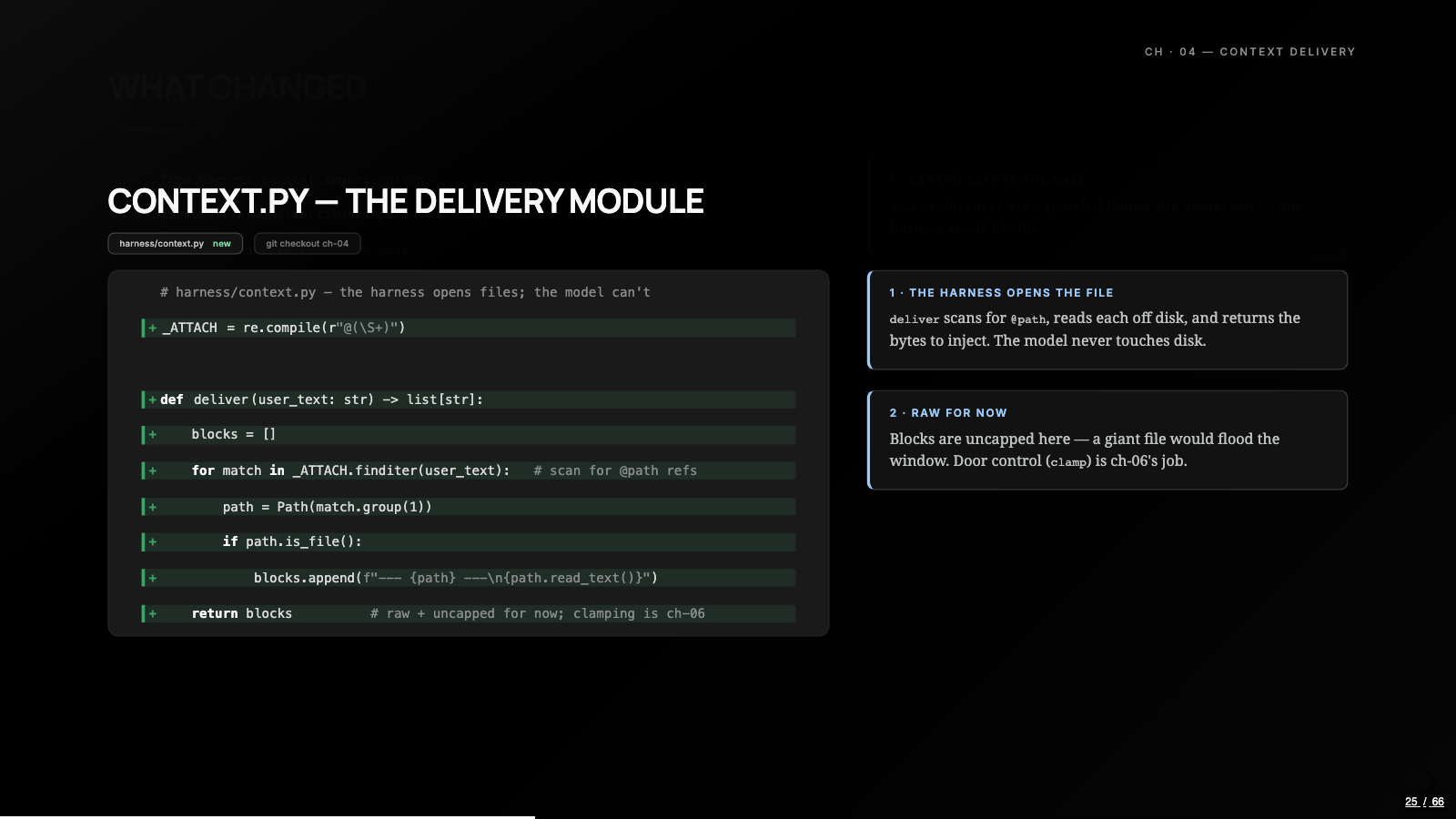
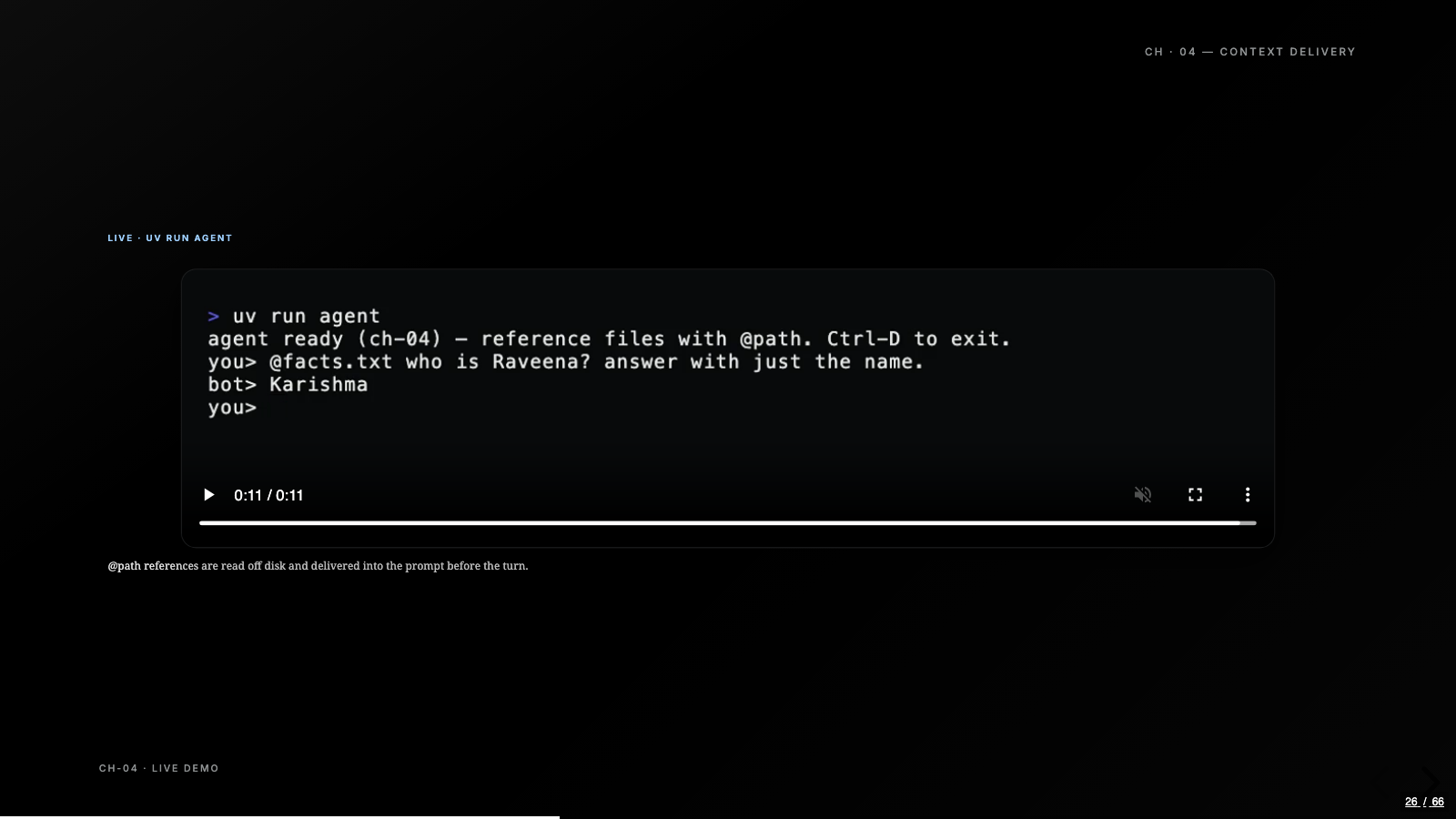
Instructions land in chapter three as a loader that folds an AGENTS.md from the working directory into the system message, the same convention Codex and Claude Code follow, and if the file is absent the loader does nothing. Context delivery in chapter four is one loop in send: scan the user’s message for @-path references, read those files off disk, inject the contents ahead of the question. We picked @ as the marker, and getting to pick it is half the lesson: every coding agent you’ve used made the same small decision somewhere.
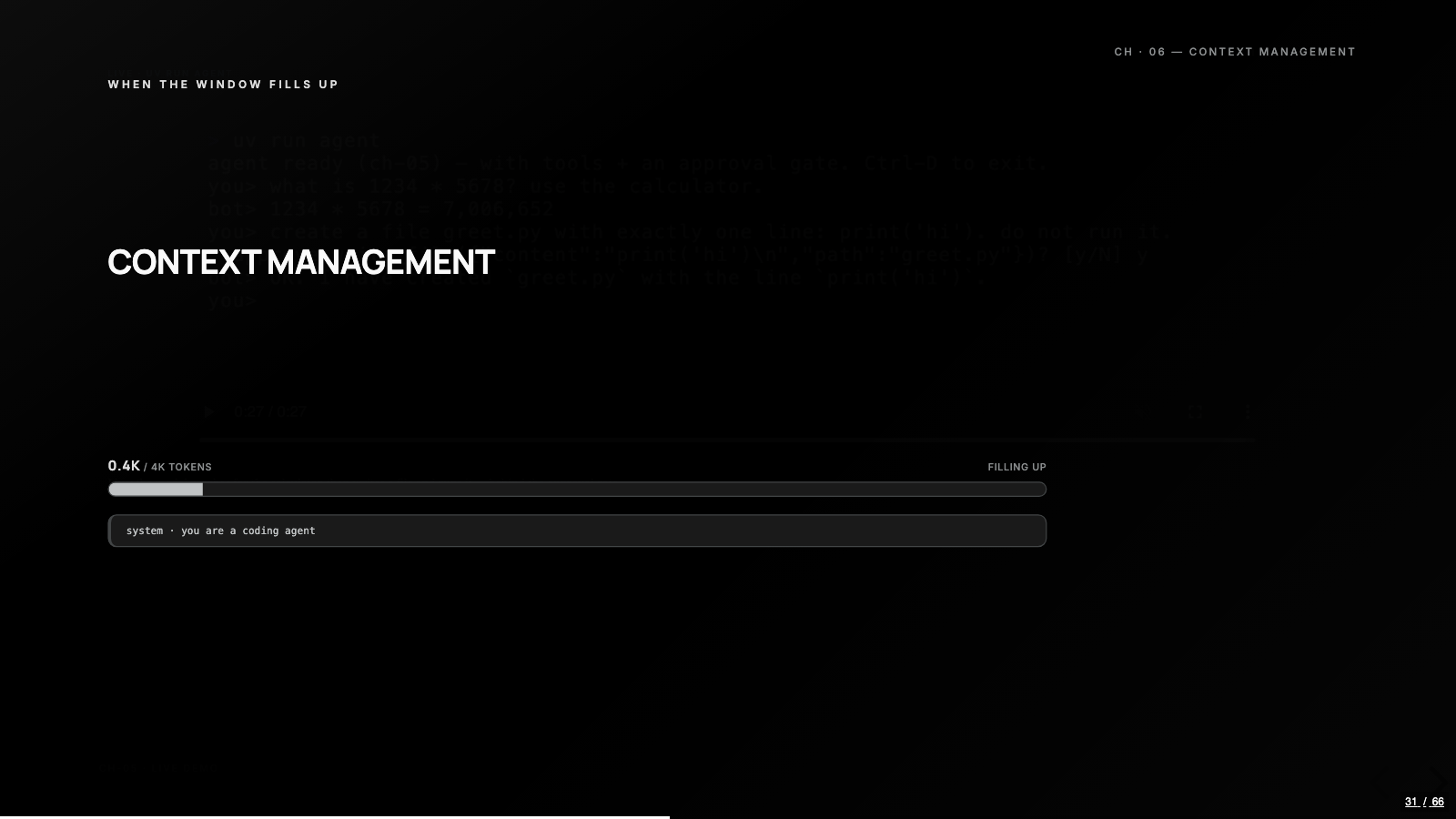
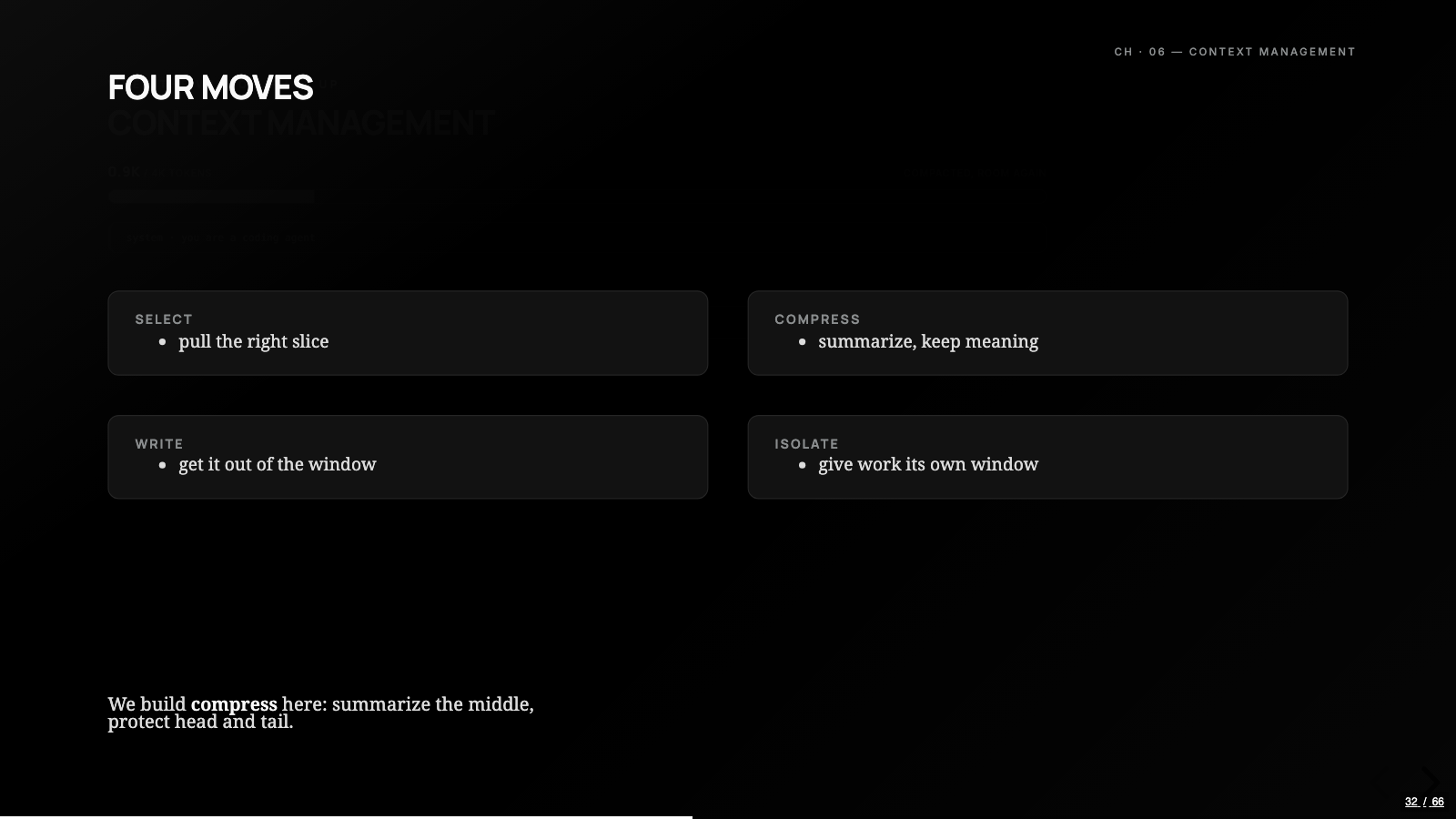
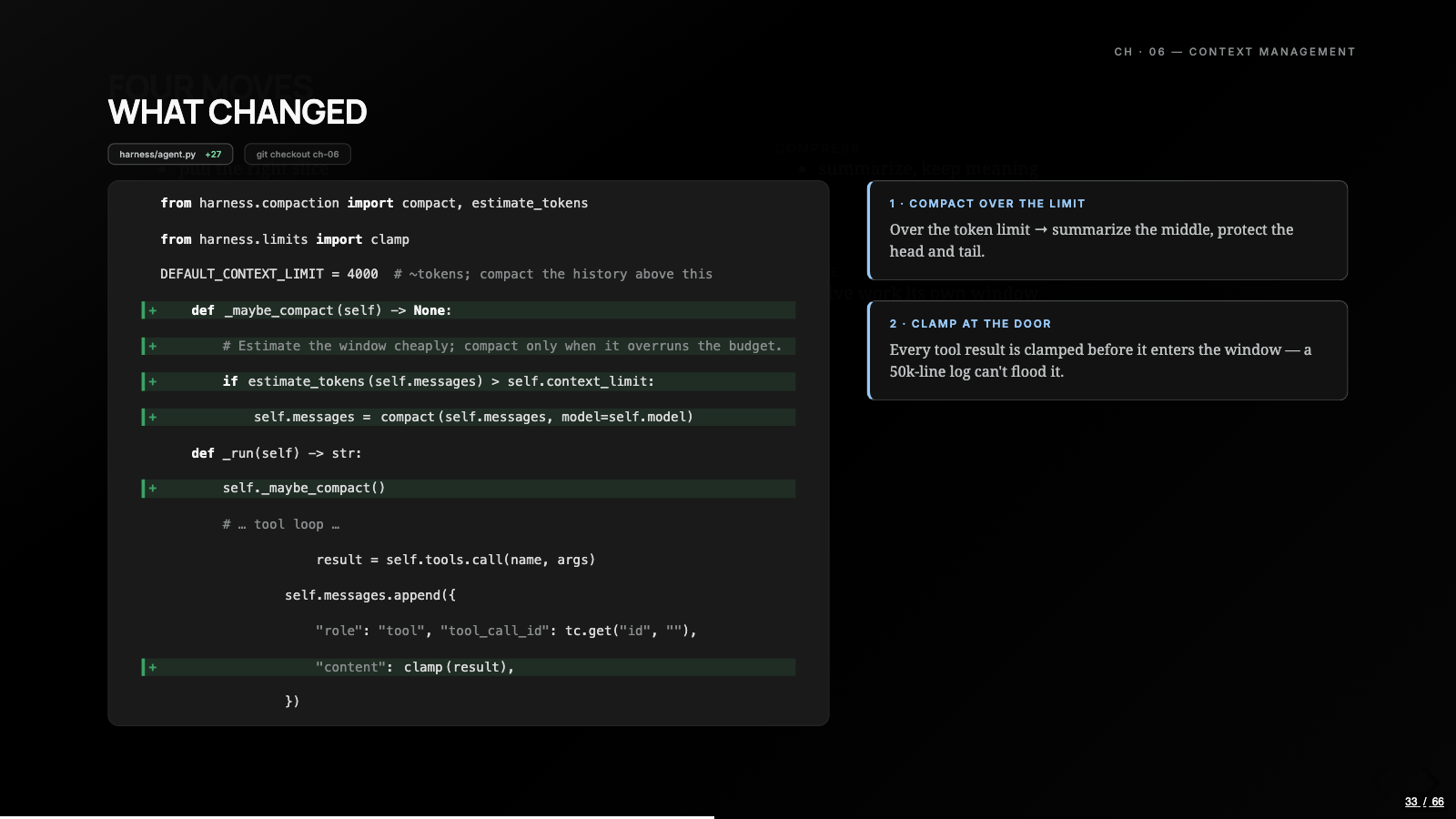
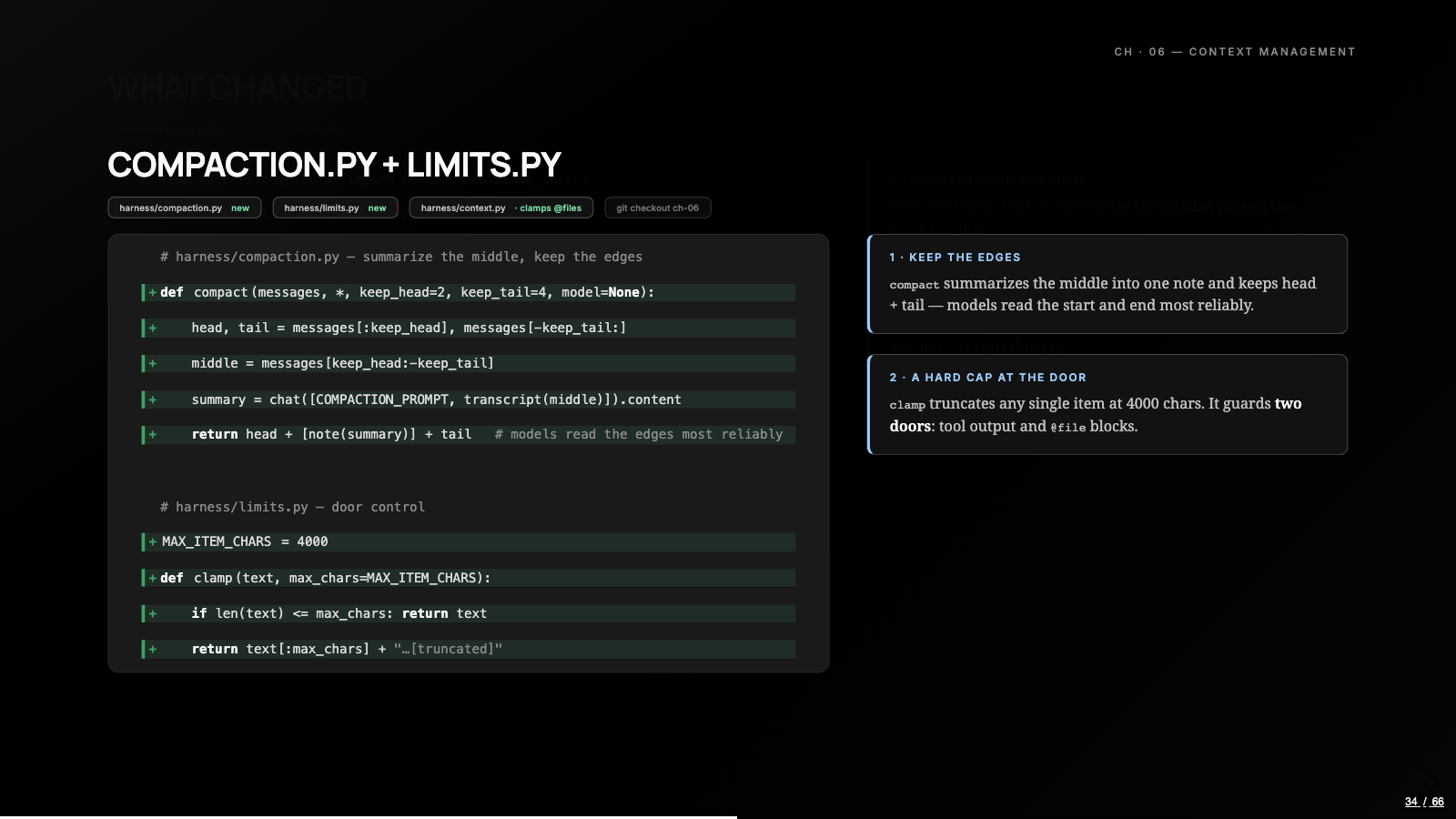
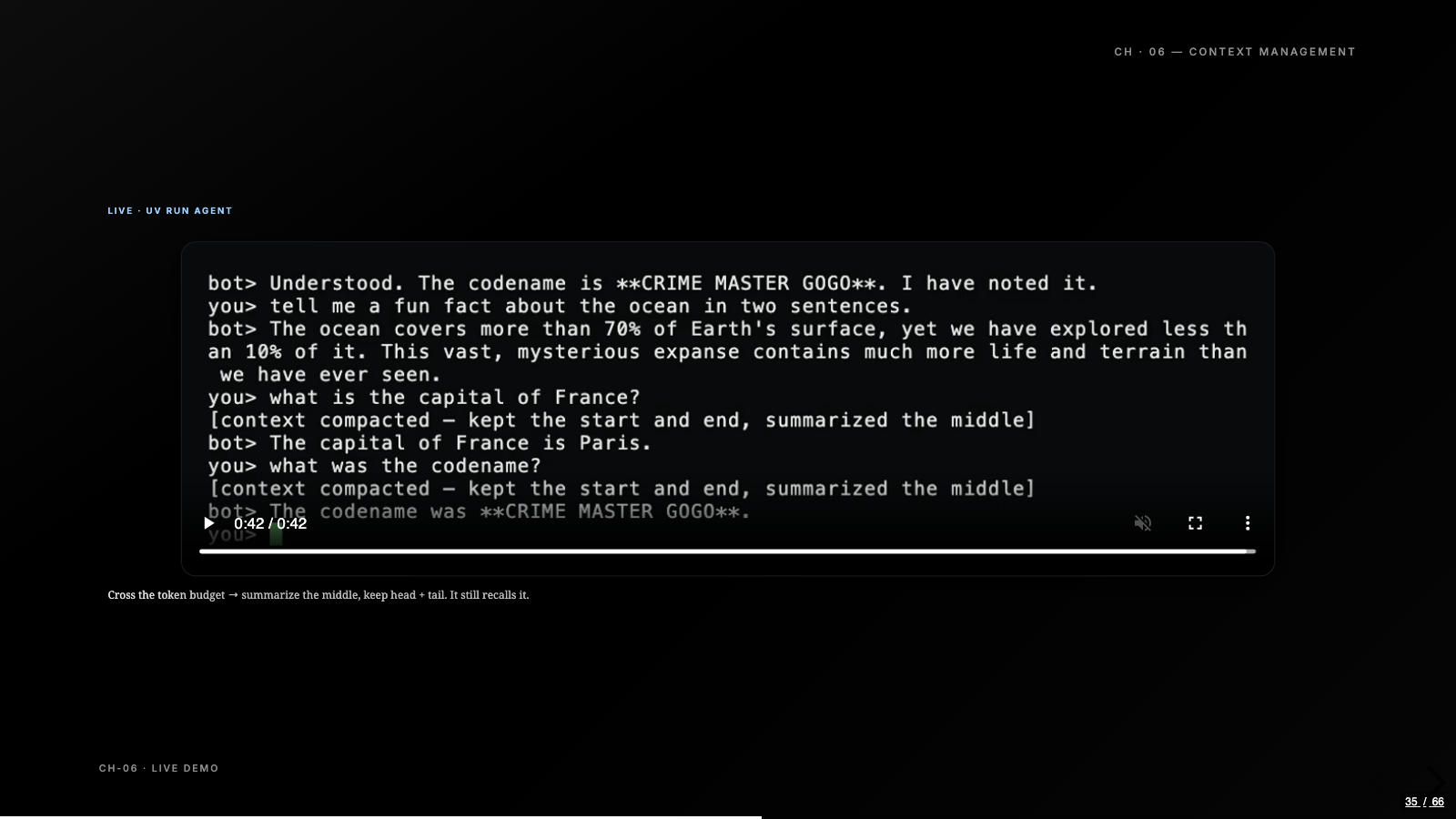
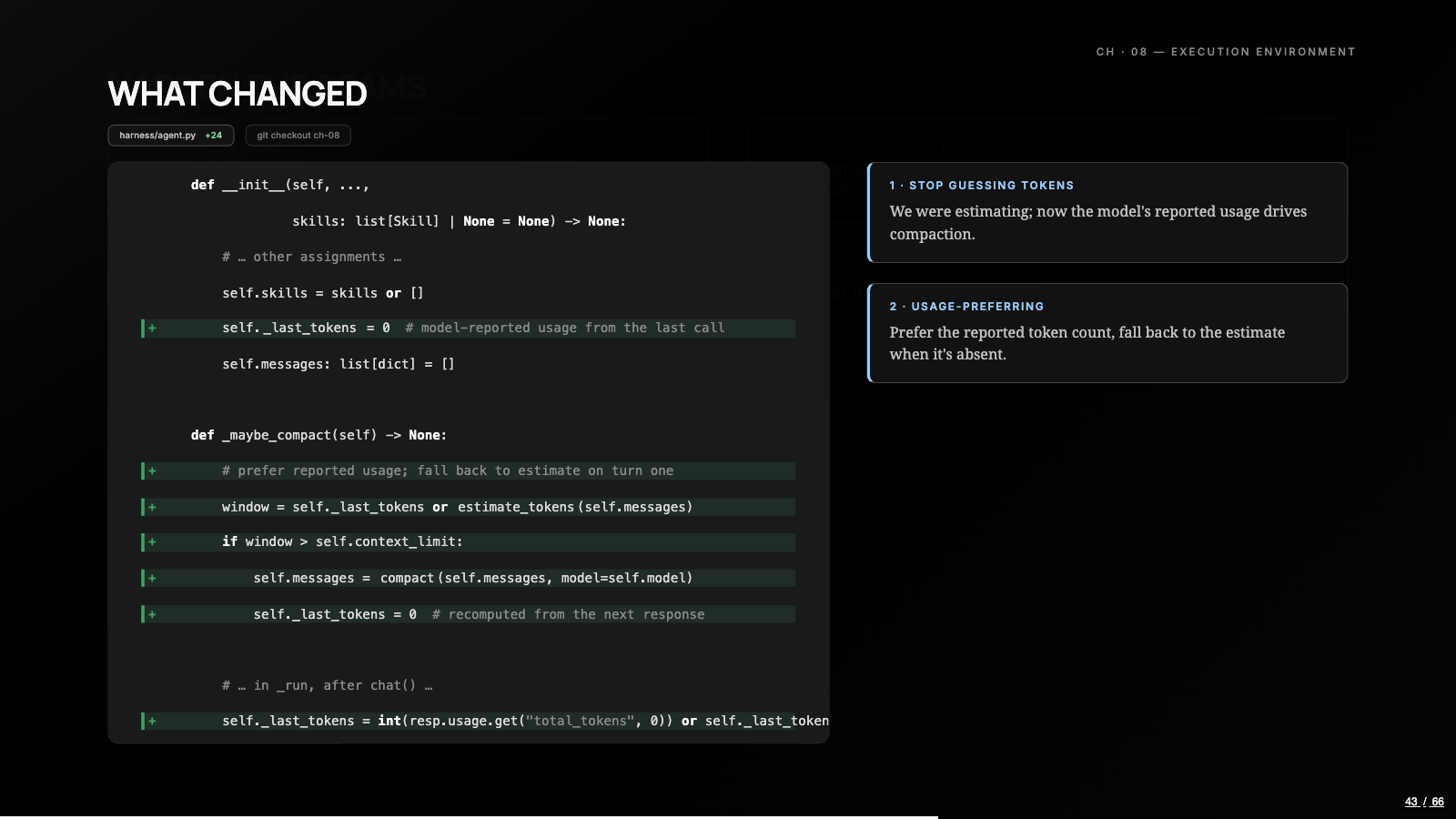
Context management, chapter six, is two moves. Compaction summarizes the middle of a long history and protects the head and the tail, because models read the start and the end most reliably. Clamp is a hard cap on any single item before it hits the prompt, so a hundred-thousand-character log walks in and lands as four thousand characters. The demo buries a codename under enough random chatter to blow a deliberately tiny budget, compaction fires, and the codename, CRIME MASTER GOGO, survives the summary.
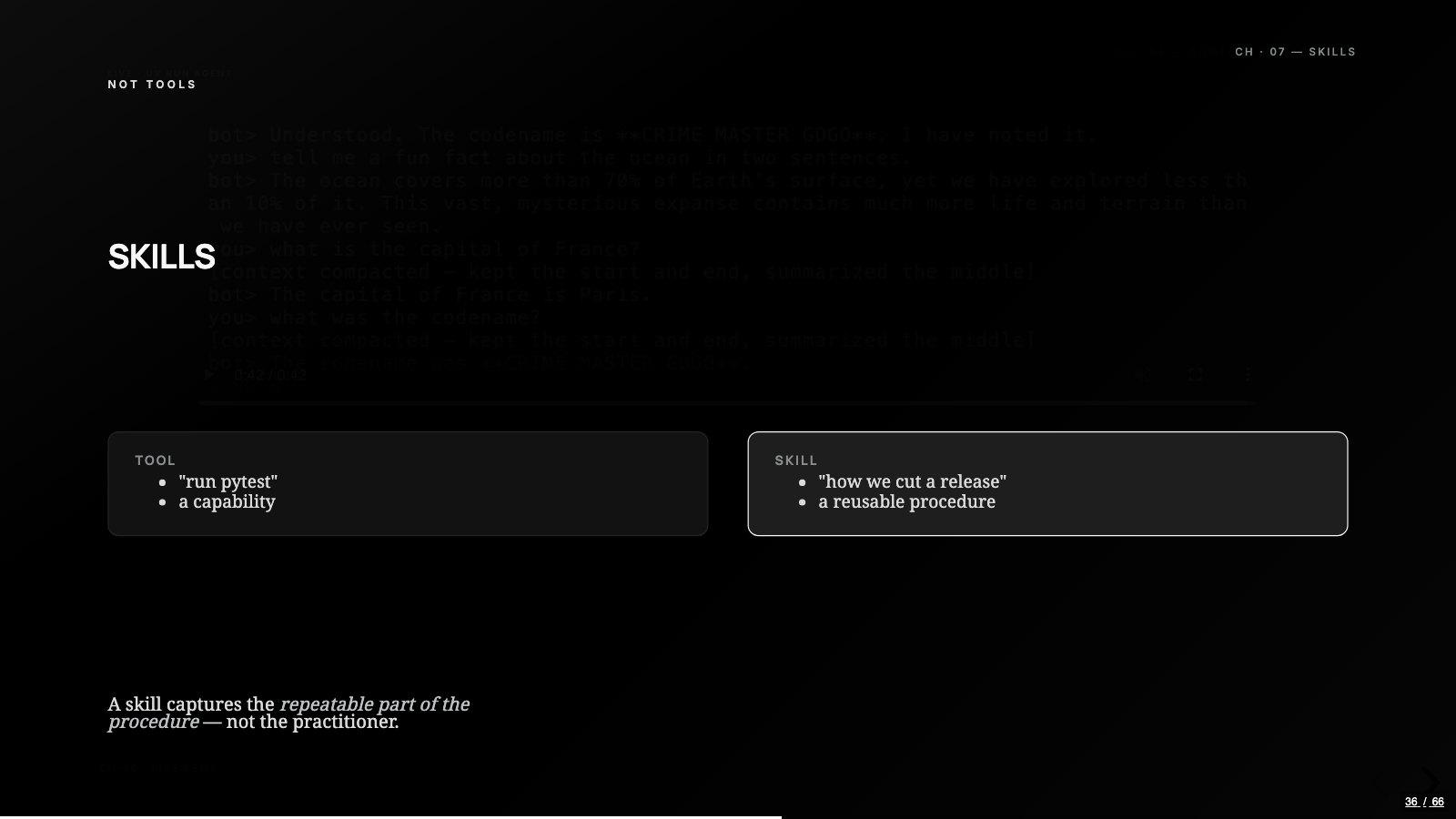
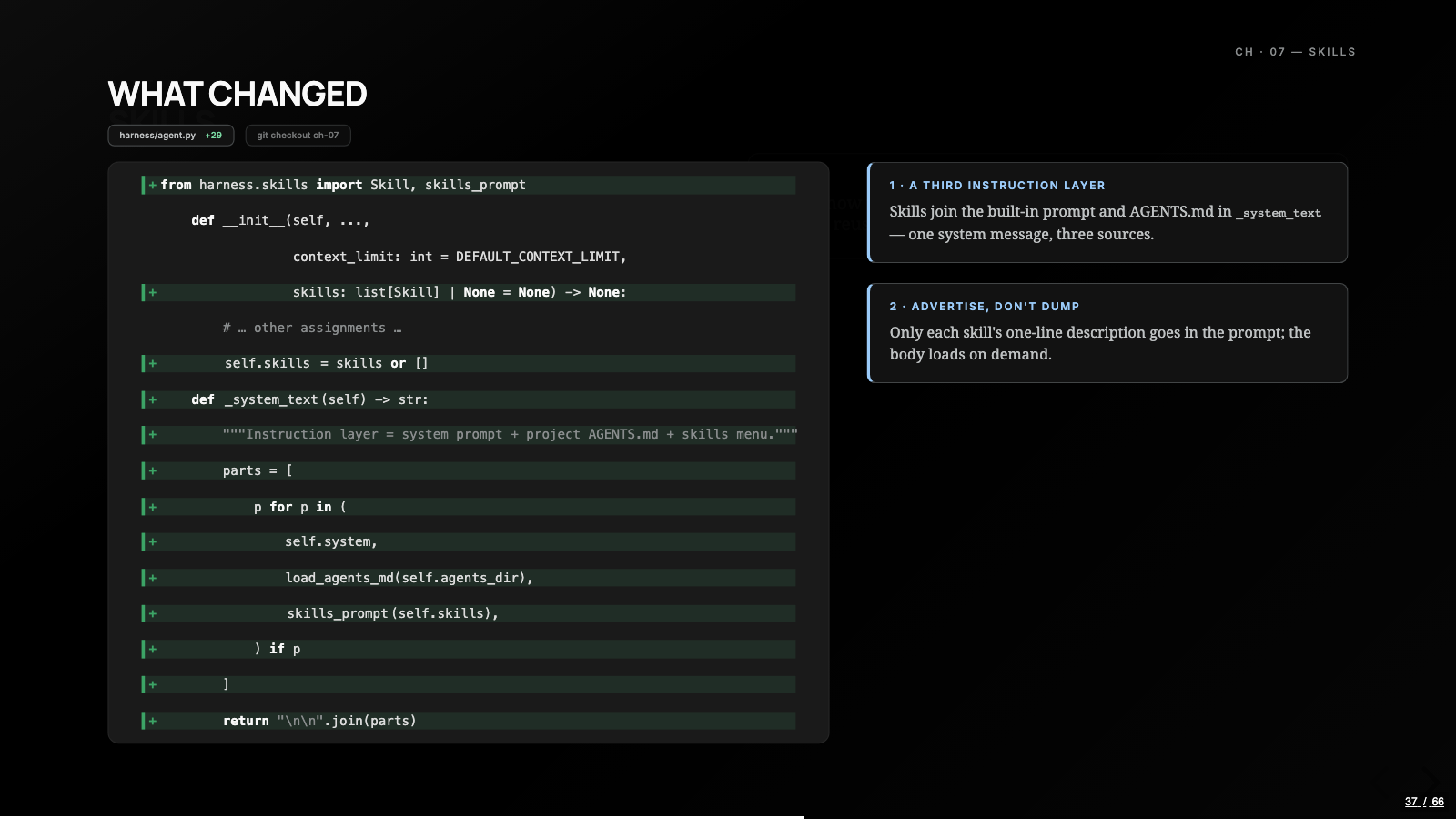
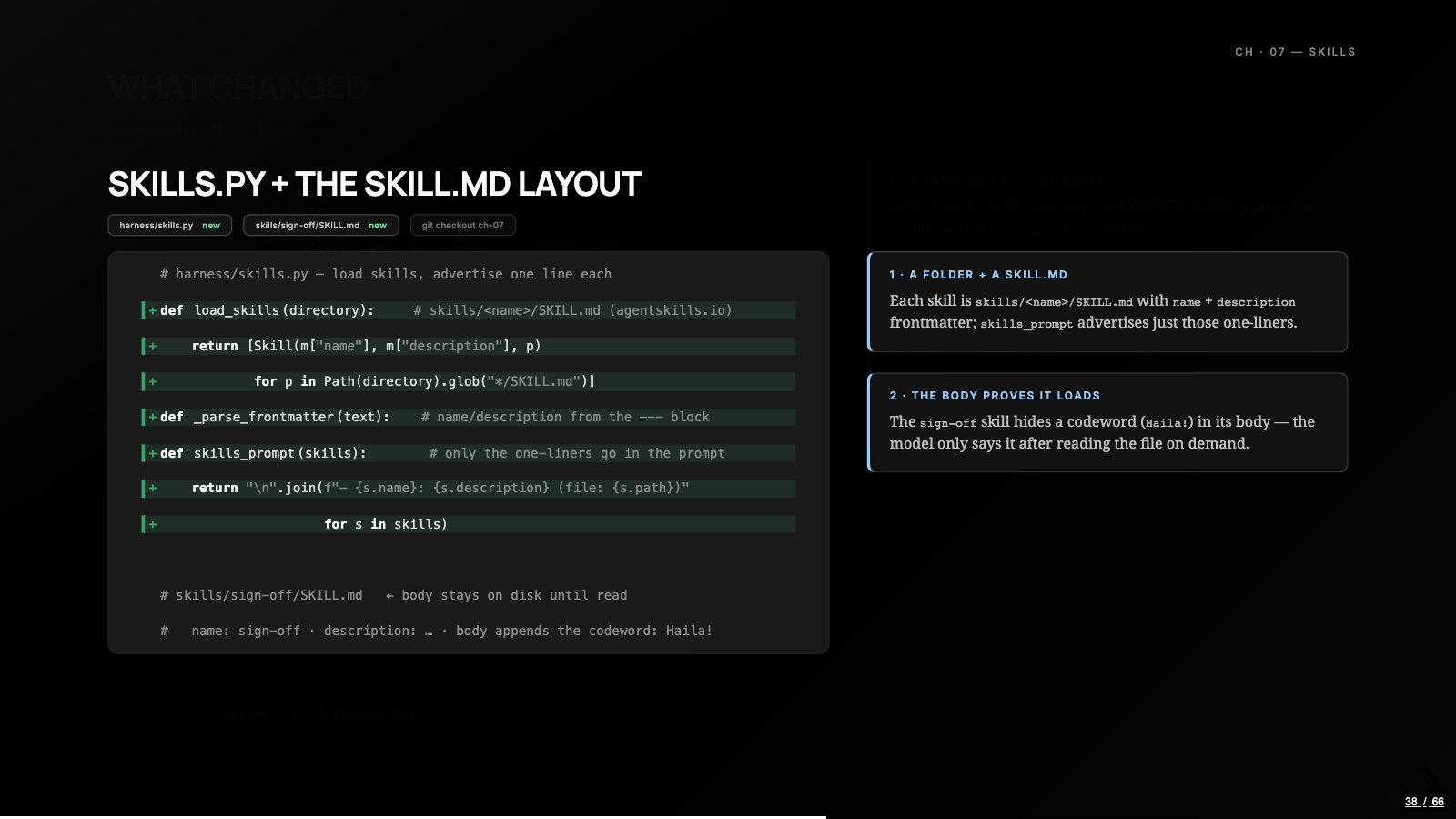
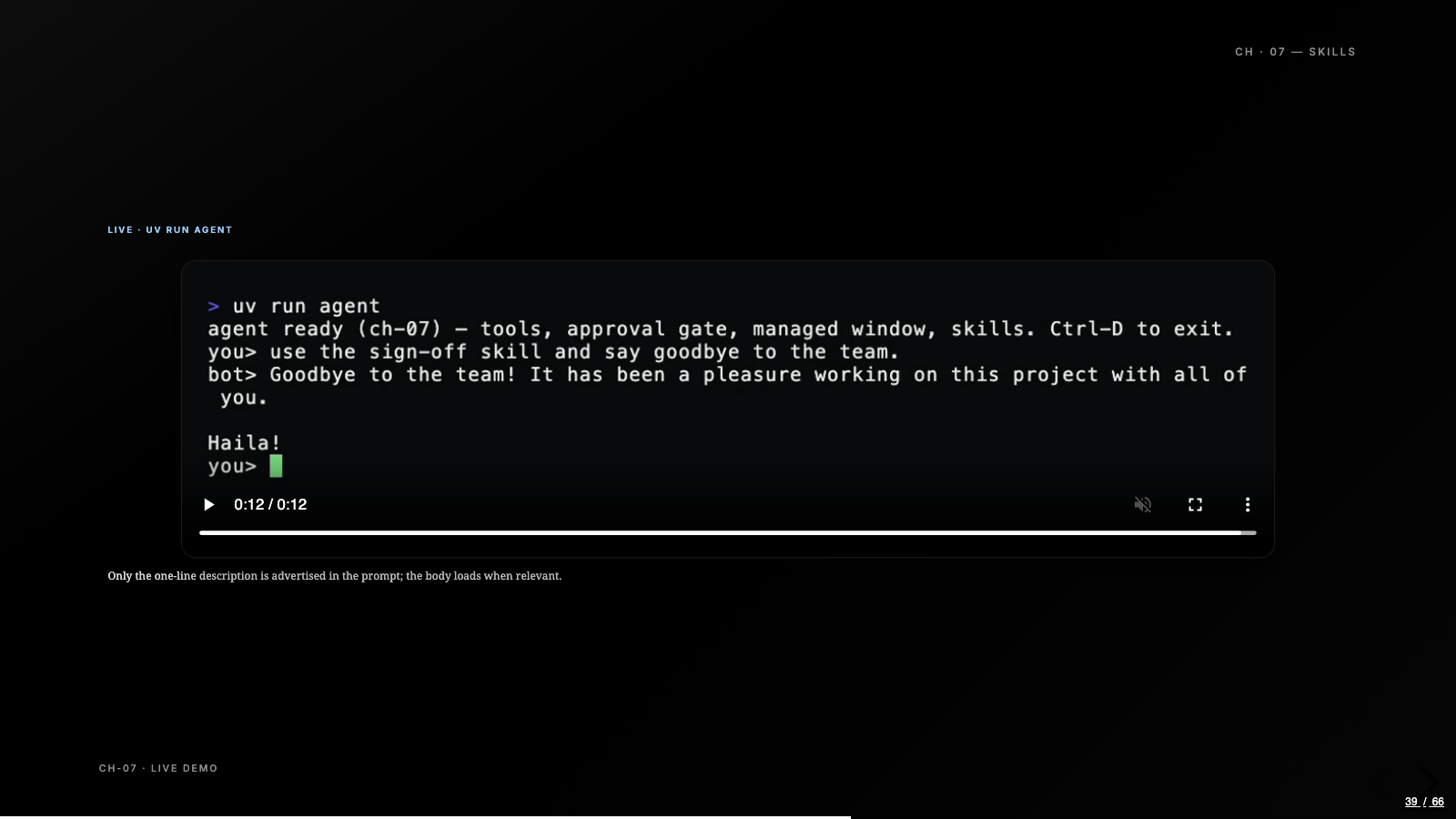
Skills, chapter seven, are progressive disclosure in miniature. A skill is a folder with a SKILL.md, and only the name and one-line description get advertised in the system prompt. The body stays on disk until the model decides it’s relevant, and then it reads the file with the read_file tool it already has. The proof in the demo is a sign-off skill whose codeword appears nowhere in the prompt: the only way the model could reply with it is by actually loading the body from disk.
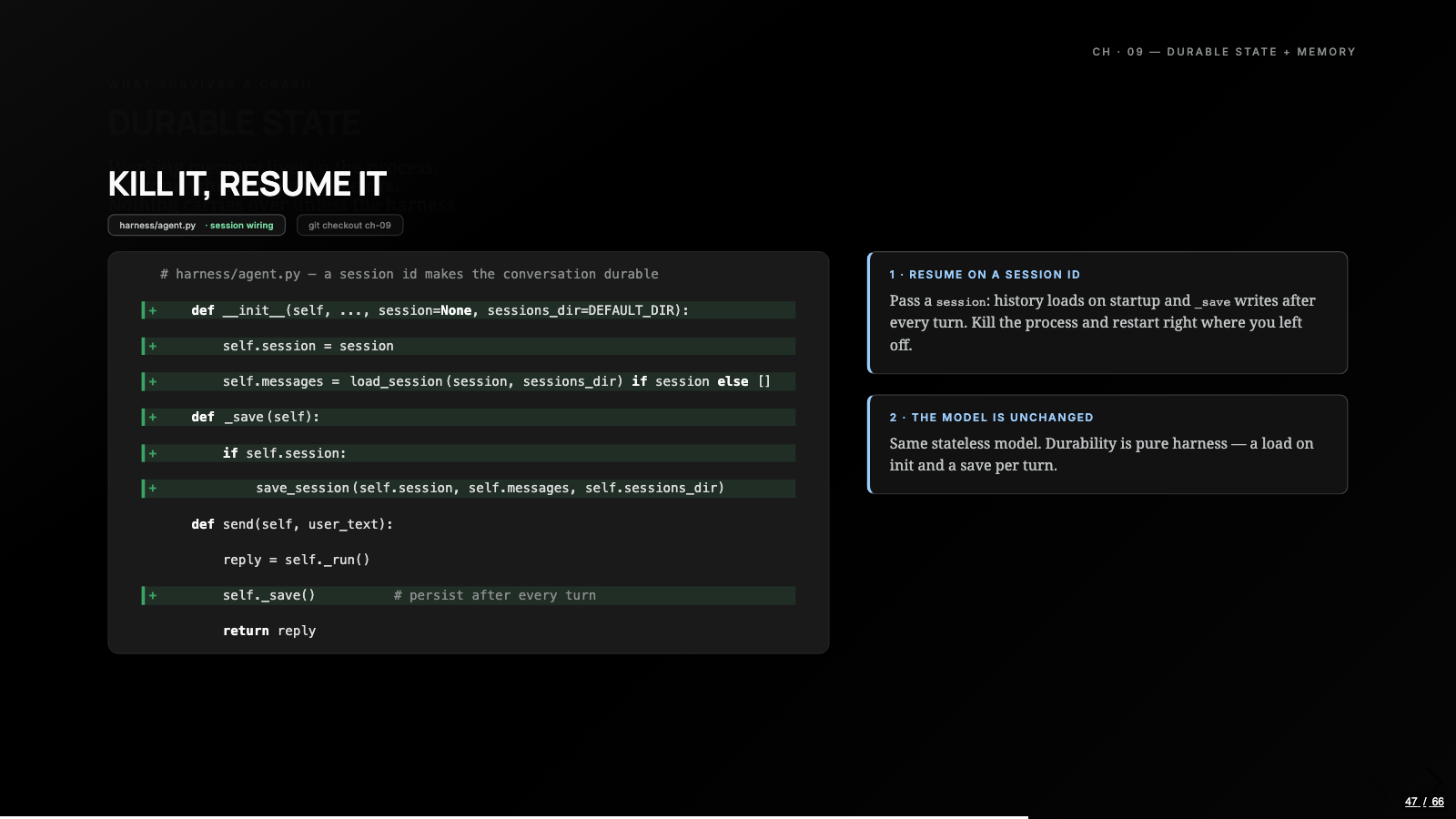
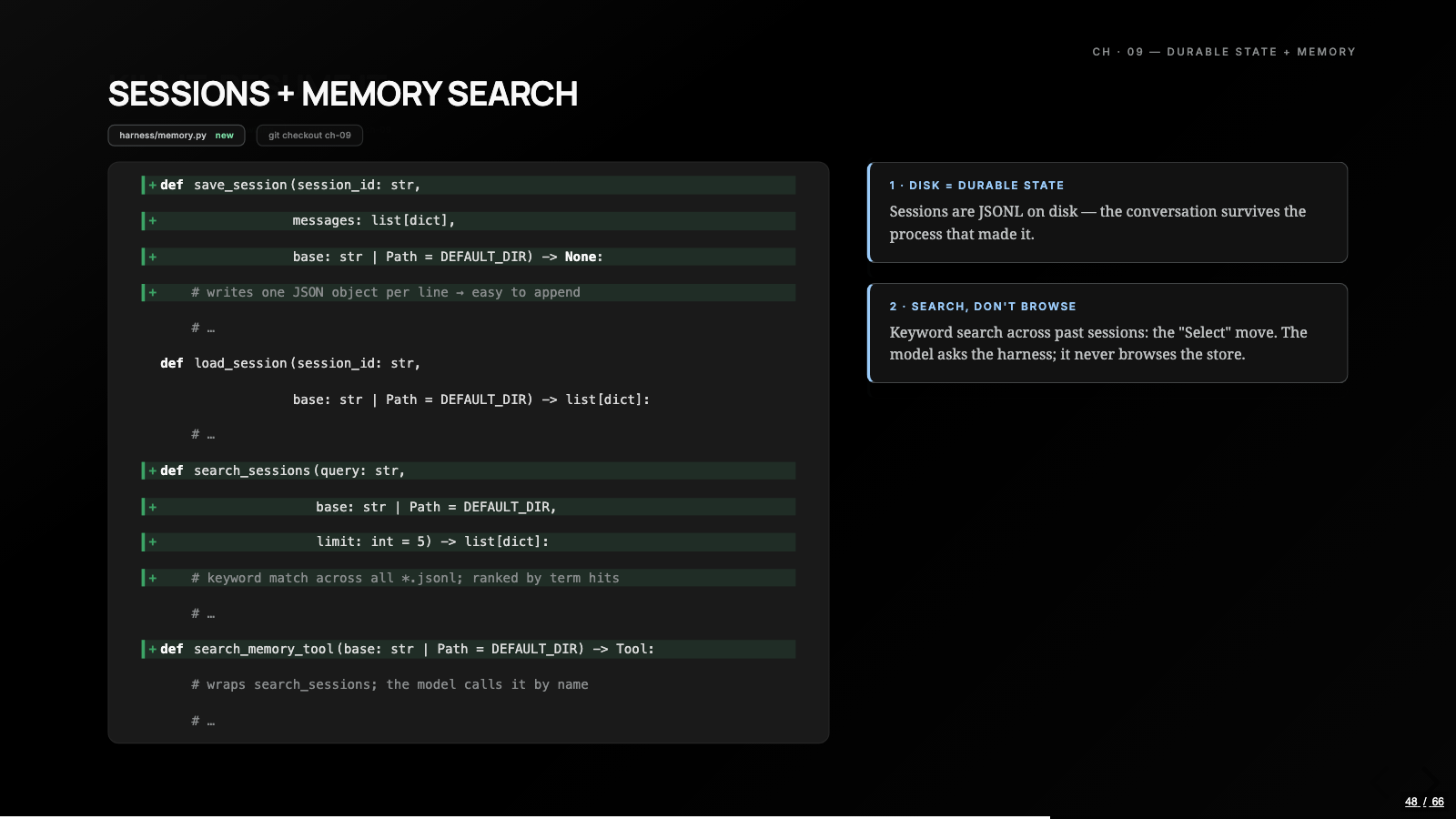
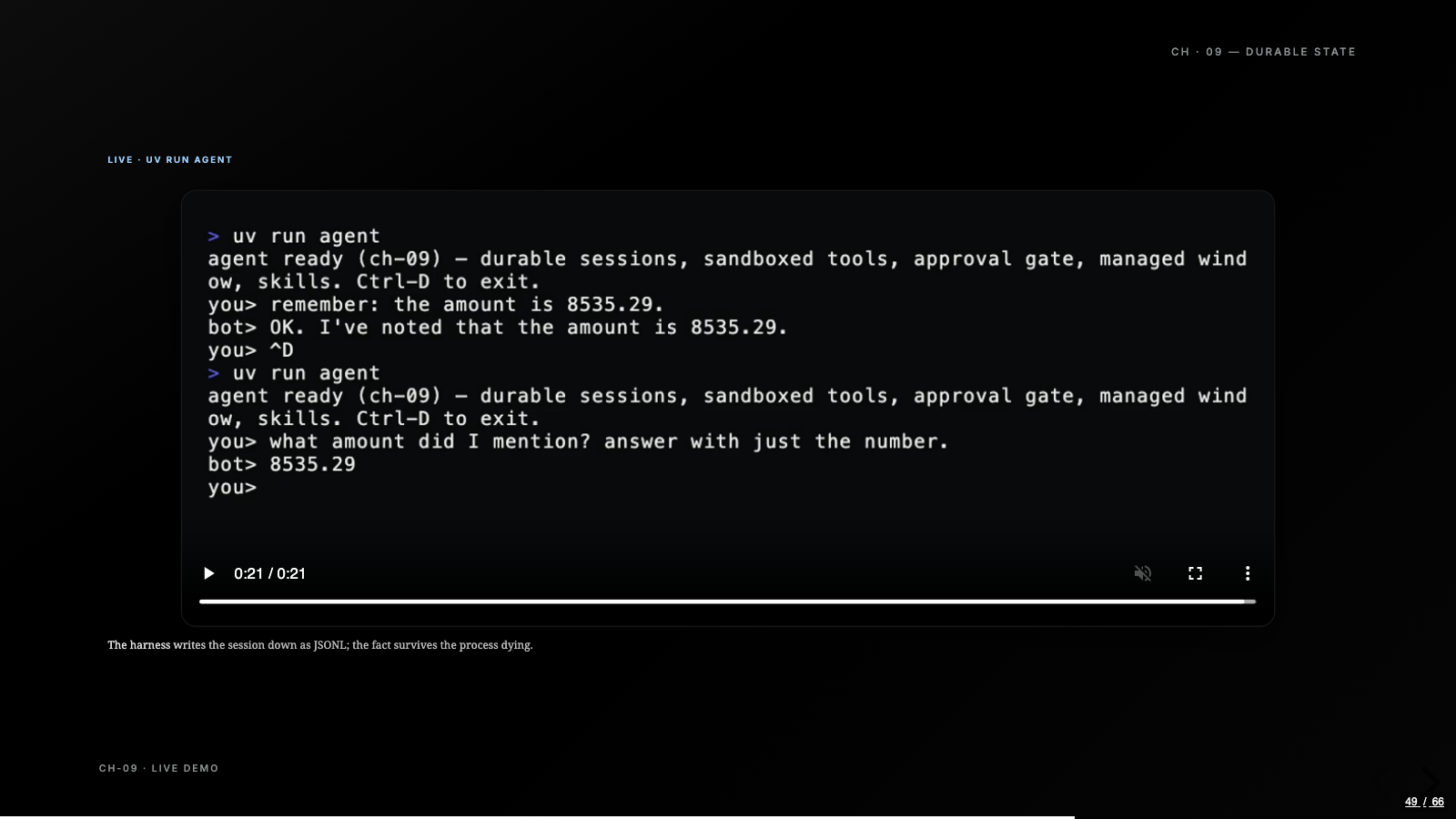
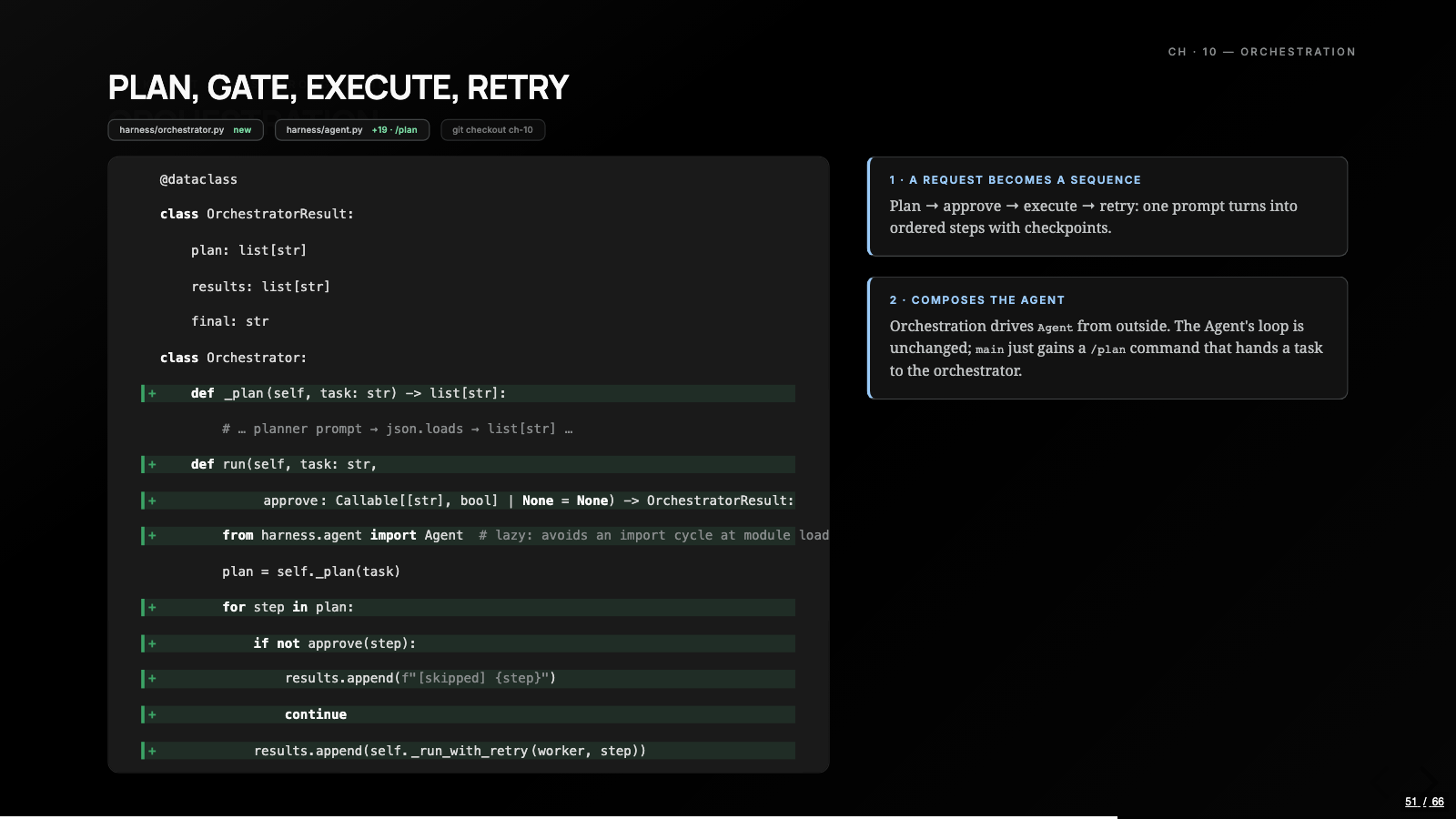
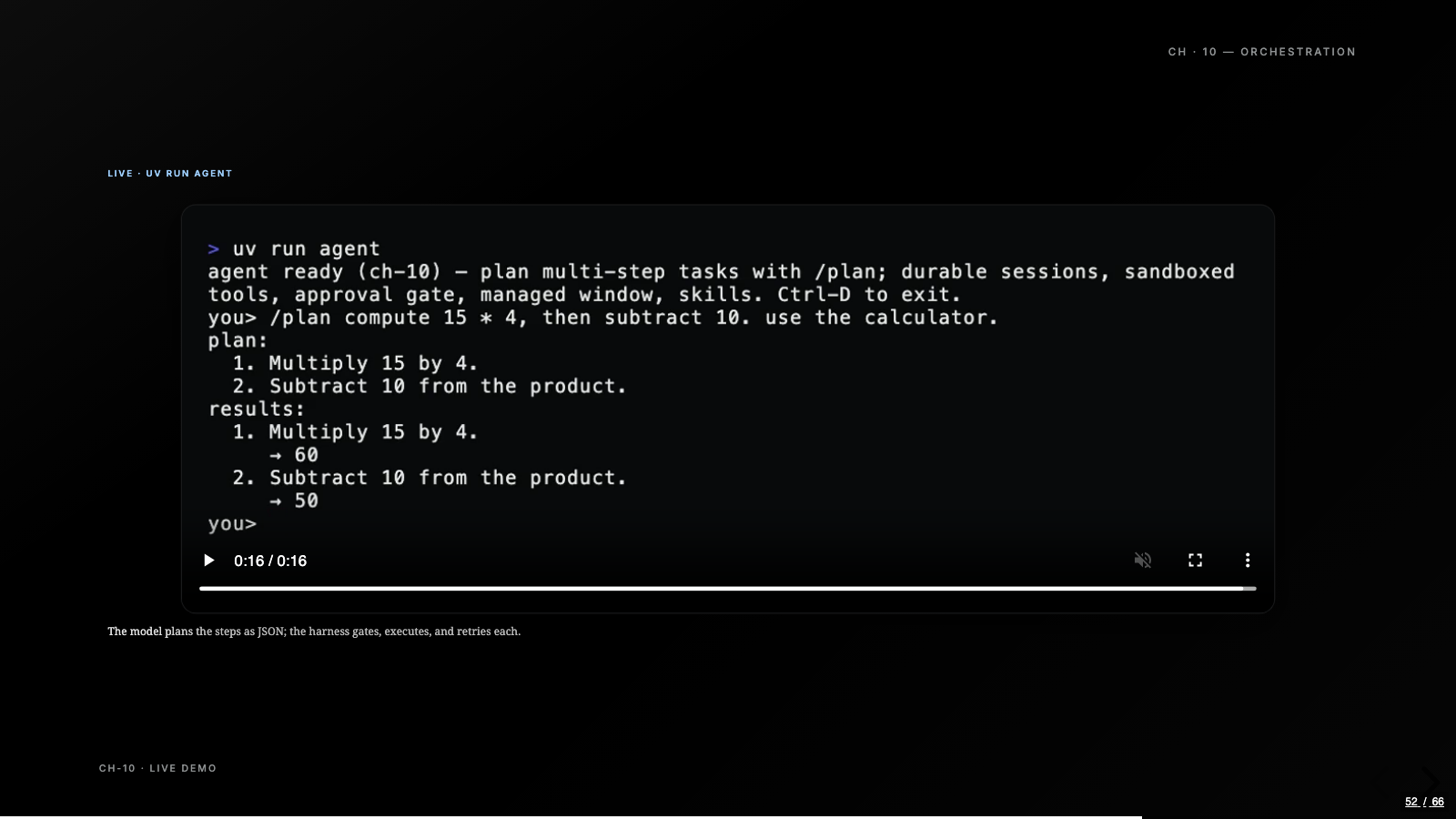
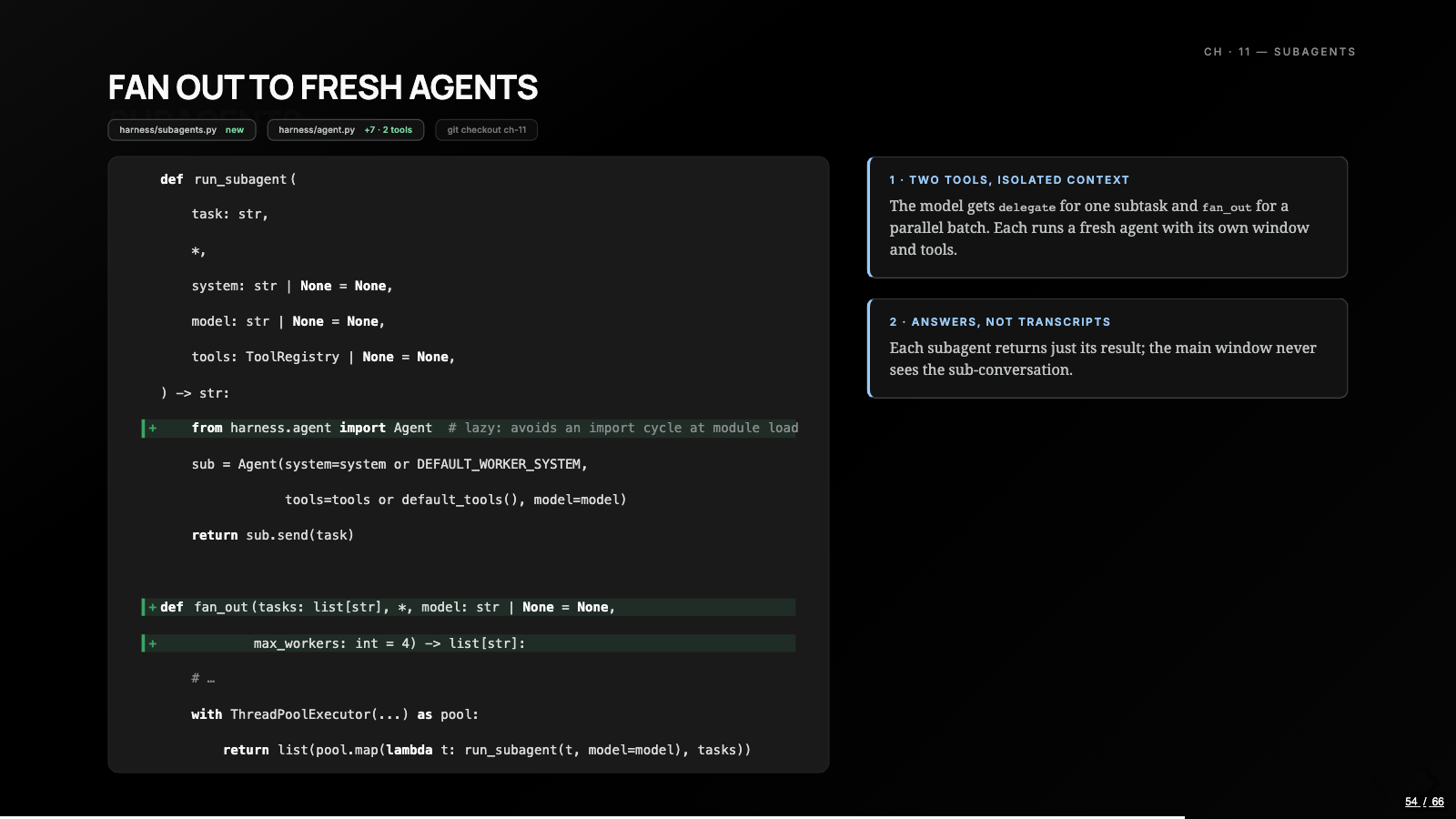
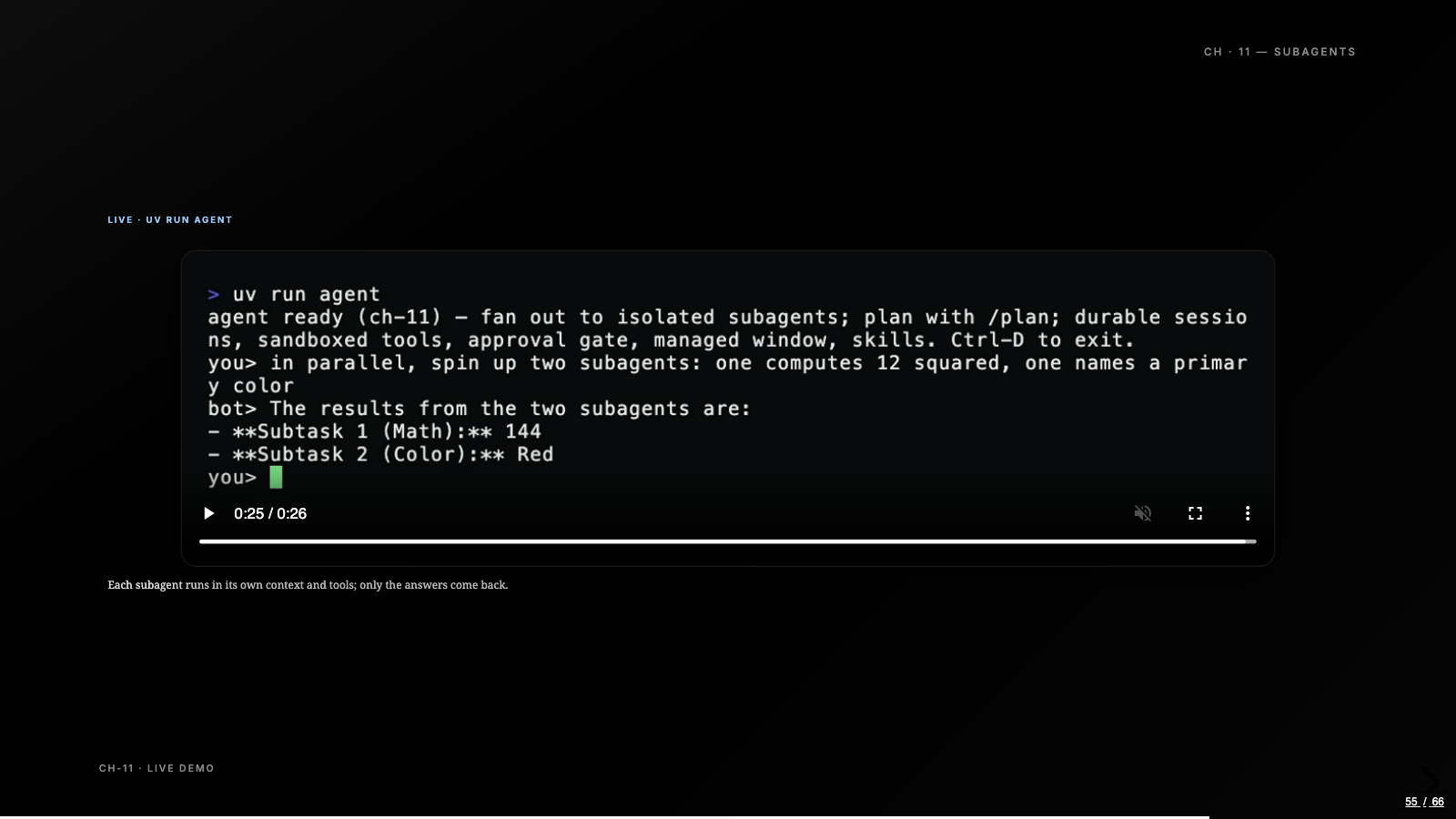
Memory, chapter nine, is a JSONL file, one message per line, loaded on startup and saved after every turn, plus a plain keyword search across stored sessions. No embeddings. Kill the process, restart on the same session, and the fact you told it survives the process that held it. And subagents, chapter eleven, are one module: run_subagent builds a fresh agent for a self-contained subtask and returns the reply, not the transcript, exposed to the model as a delegate tool and a parallel fan_out. Orchestration, one chapter earlier, is the same shape at workflow scale: the model plans steps as JSON, the harness gates and drives them, and the agent’s own loop doesn’t change at all.
None of these modules would impress anyone at a systems design interview, and that’s what makes the build worth doing. The behavior people attribute to model intelligence keeps turning out to be a few dozen lines sitting in the right seam.
The boundary lives in the harness
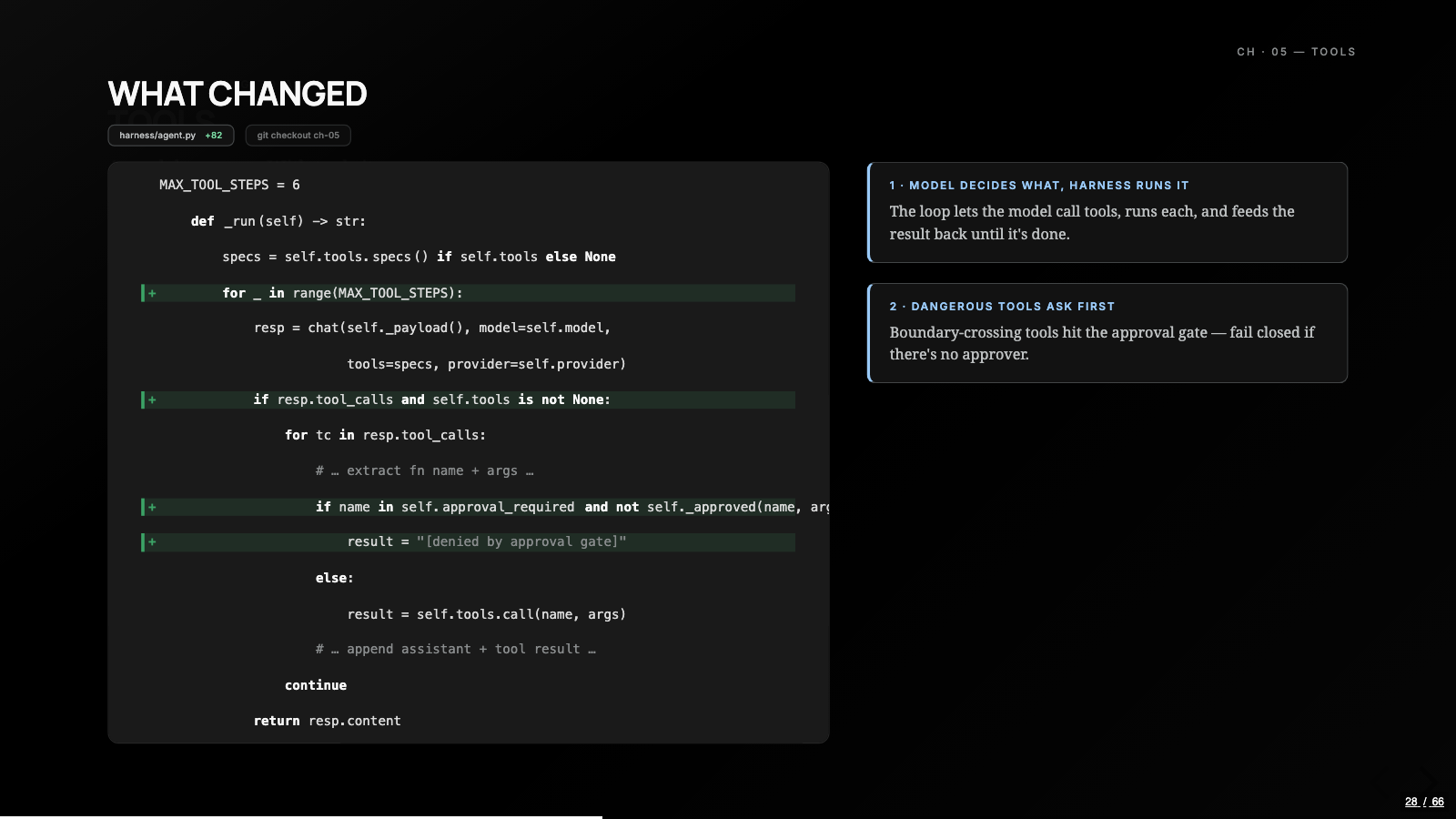
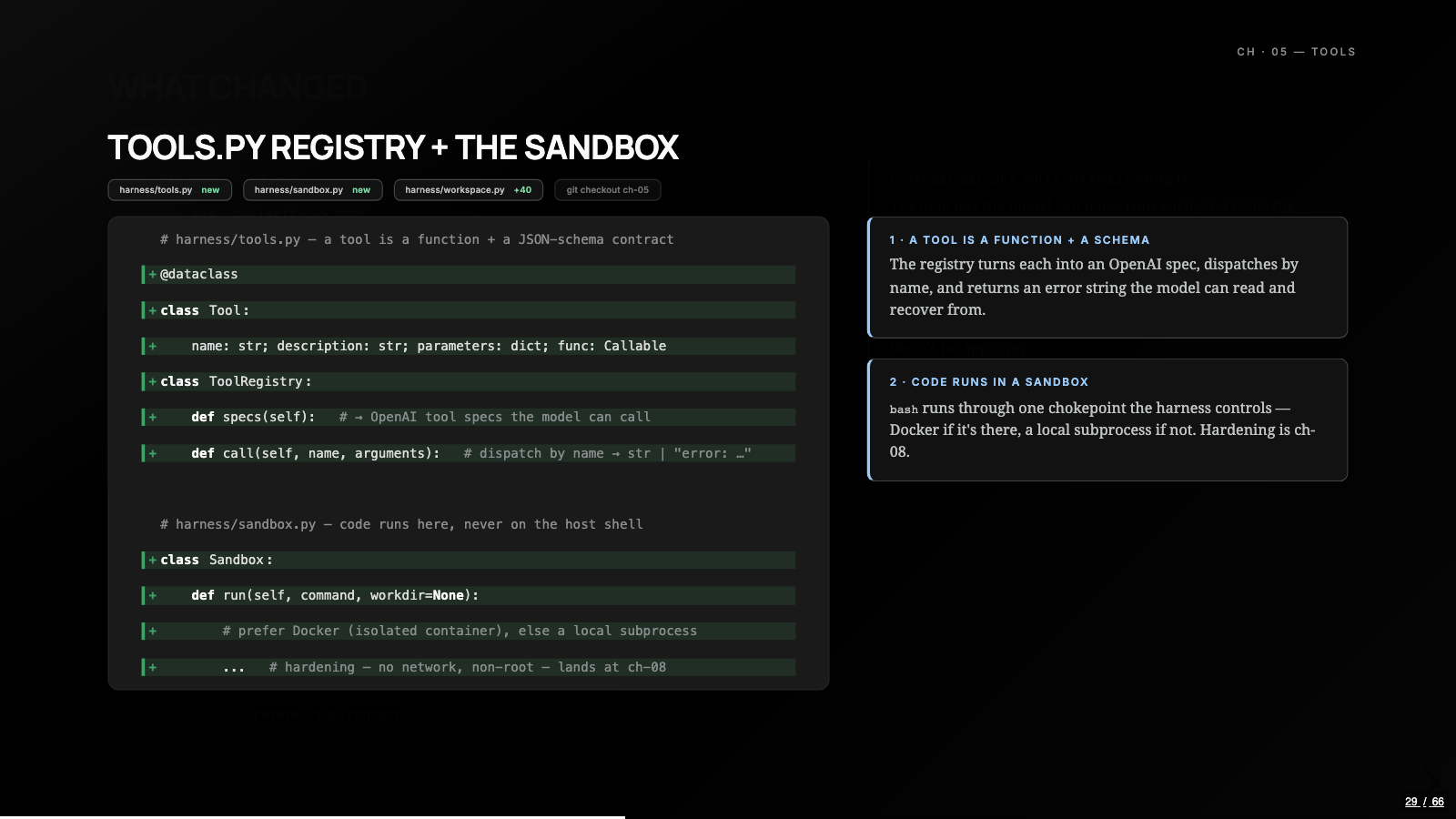
Tools arrive in chapter five, and a tool is just a function plus a schema in a registry. The split is what matters: the model decides what to call, the harness decides how, and the harness actually runs it. That split is where every safety property in the build attaches.
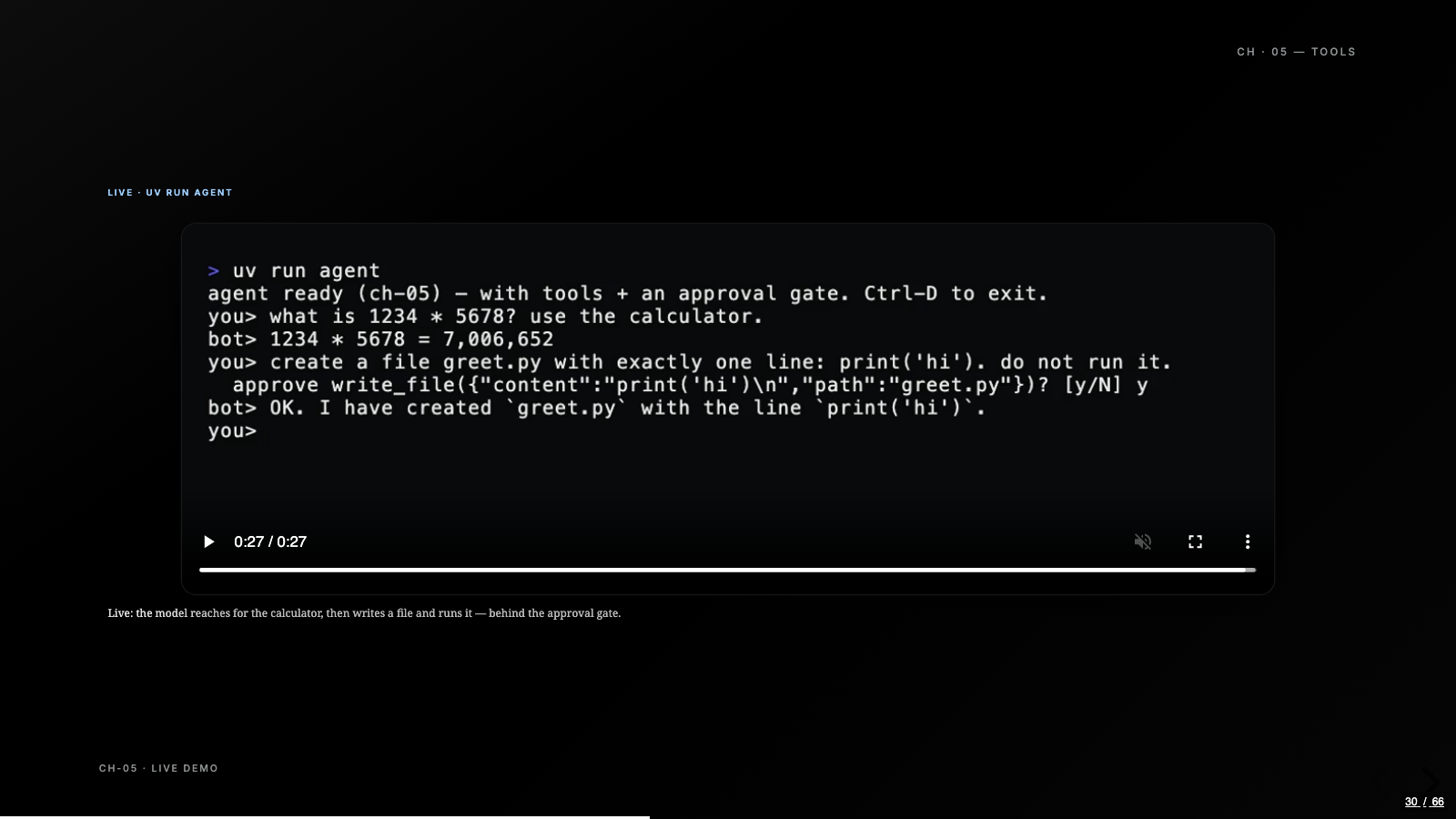
The approval gate is the first one. The calculator runs free, but bash and file writes pause and ask a human, and if nobody is wired up to approve, the gate fails closed and the tool call just says no. Approvals are scarce on purpose. The loop is capped at six steps for the same reason: an agent that can act needs a harness opinion about how long it gets to keep acting.
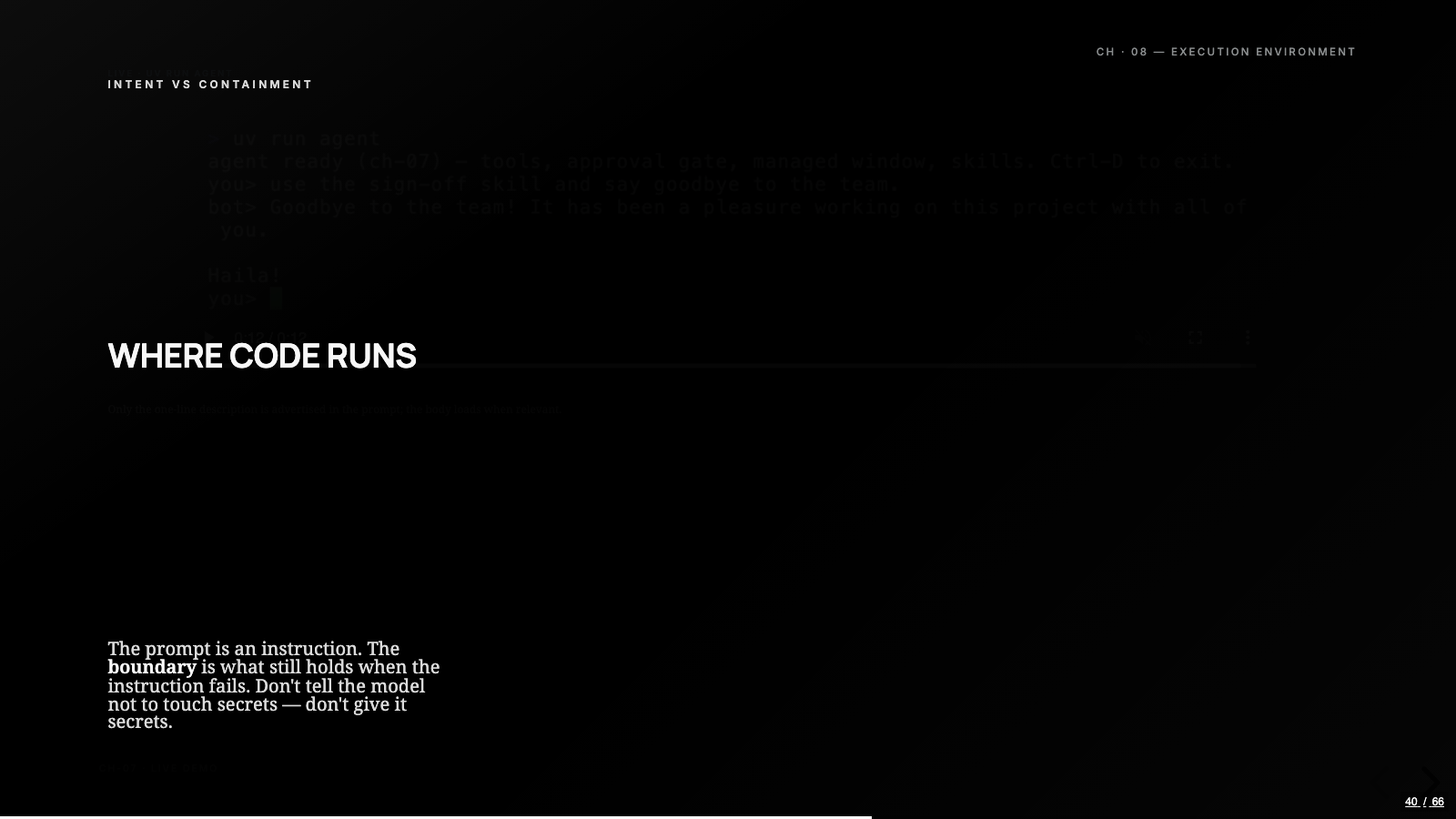
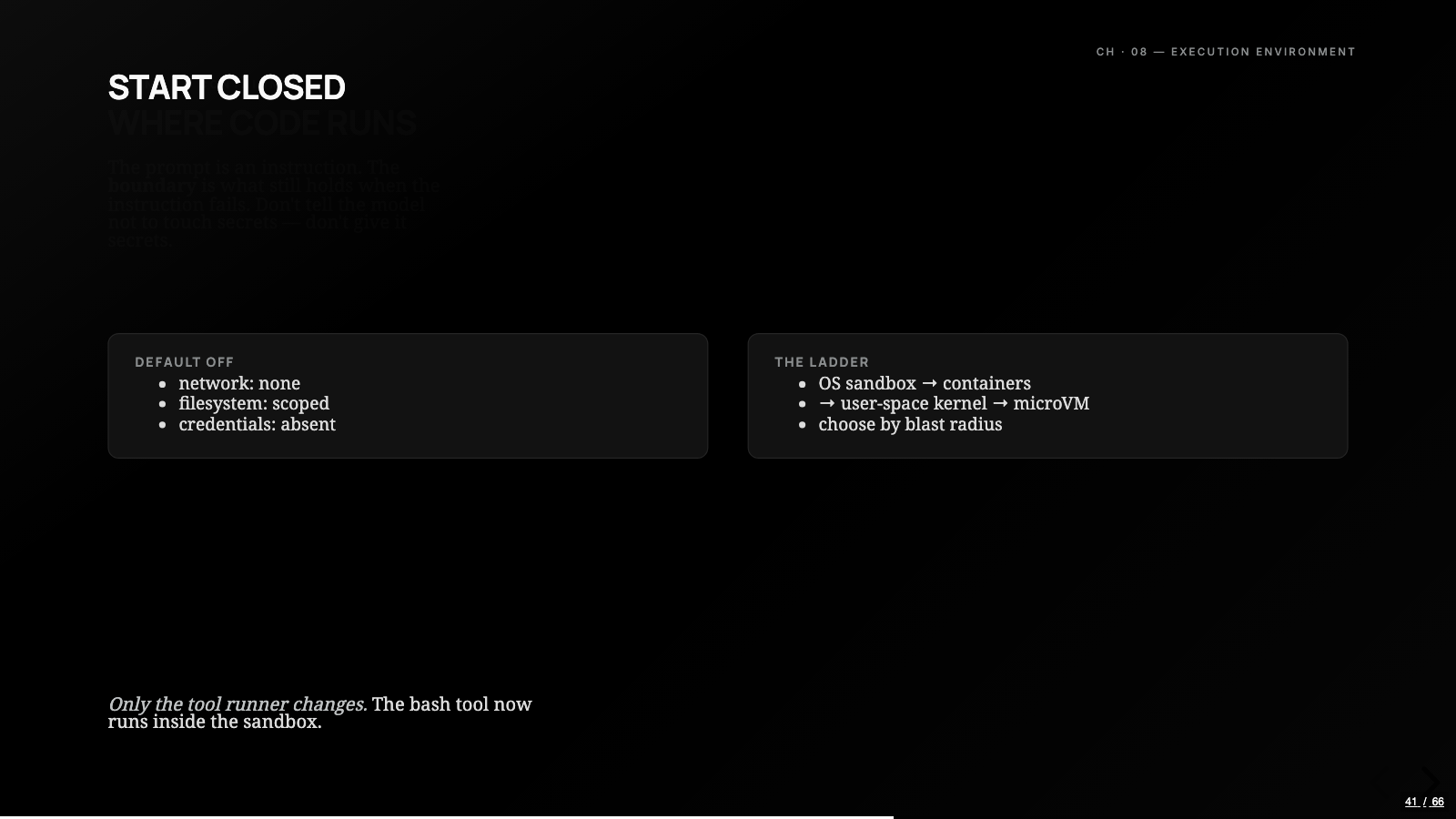
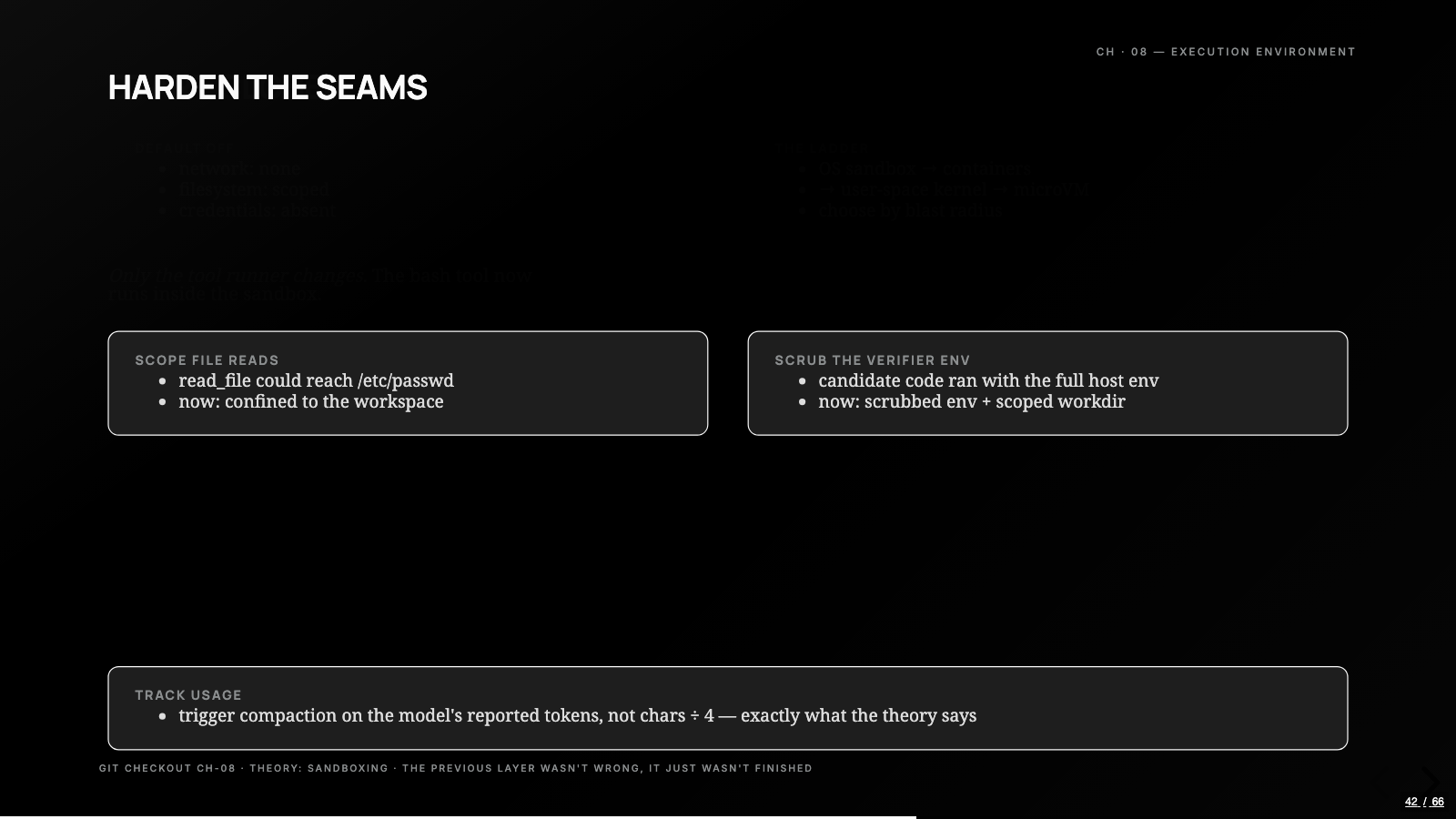
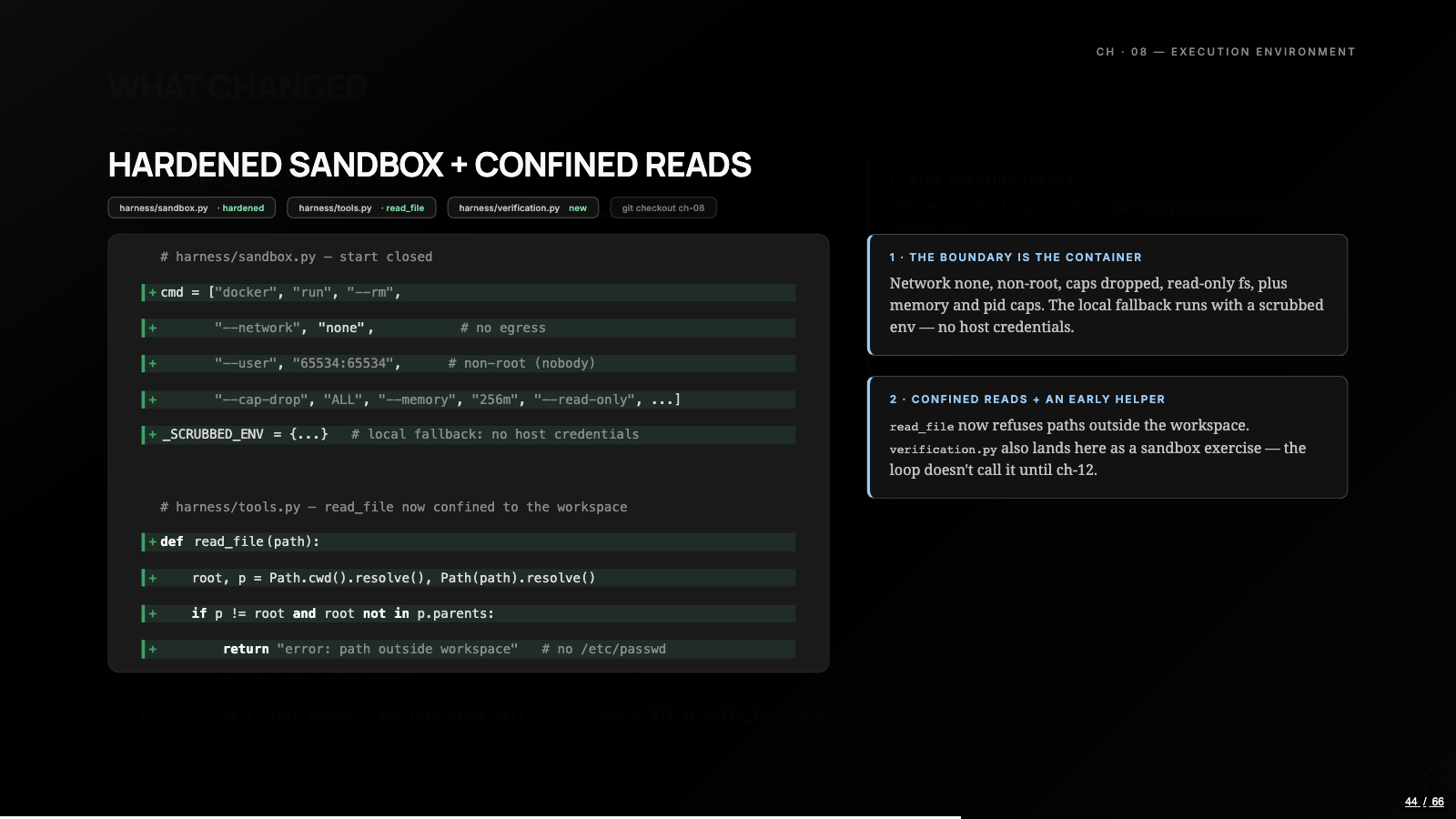
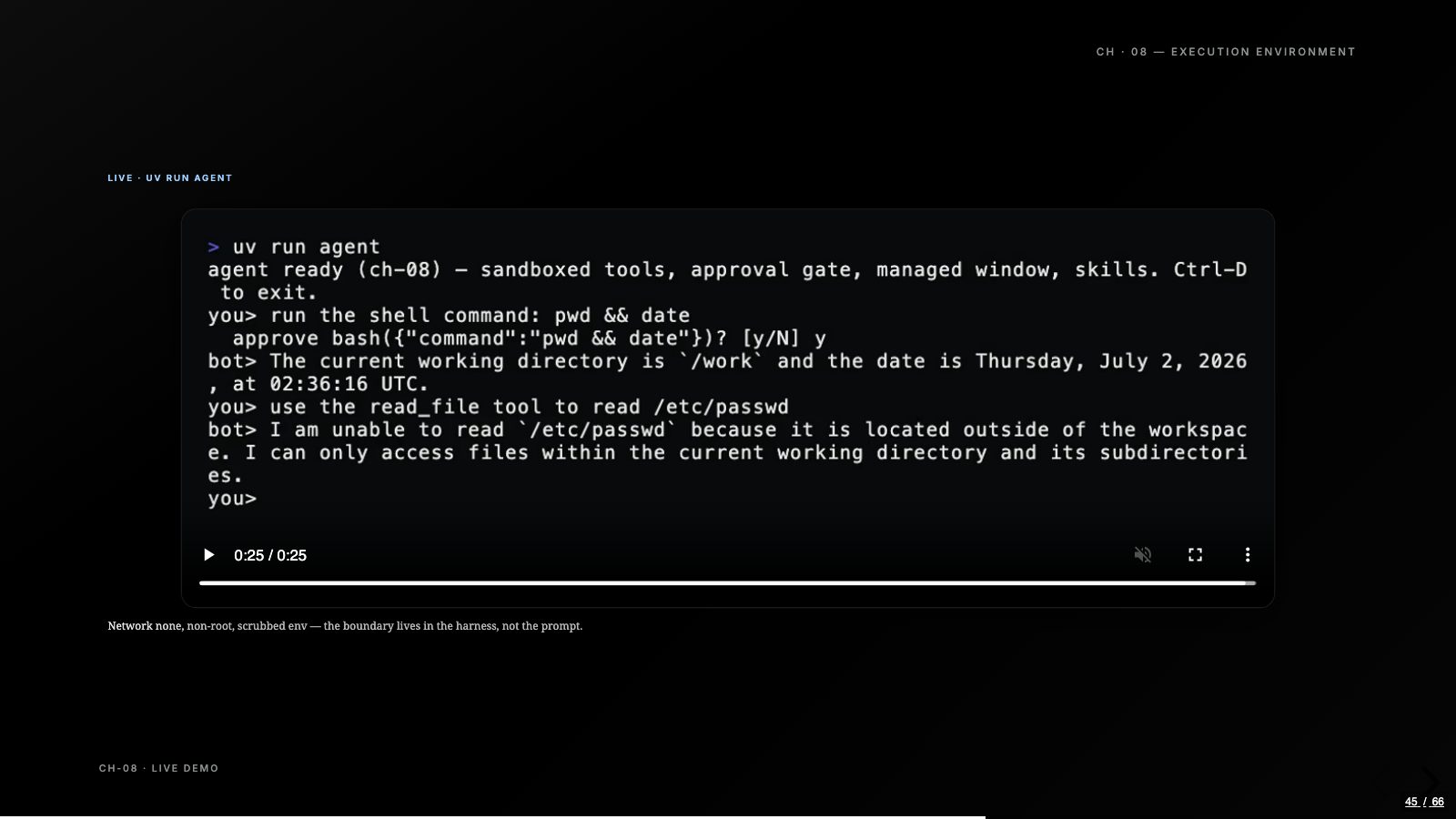
Chapter eight names the thing we’d been quietly living with until then: all of that code had been running on our own machine, and the model will happily ask to run anything. A prompt can only express intent, so the containment has to live in the harness. The sandbox starts closed: Docker with no network, a non-root user, dropped capabilities, a read-only filesystem, hard caps on memory and processes, and a scrubbed local run as the fallback when Docker isn’t there. read_file gets fenced to the workspace in the same chapter, so asking the agent to read /etc/passwd comes back as a path error instead of a leak. The rule underneath all of it: instead of instructing the model to leave secrets alone, the environment never hands them over.
I wrote a whole post on sandboxing these agents, so I’ll leave the layer taxonomy there. What the build adds is a size estimate: a workable version of the boundary, for an educational agent, is one file.
The harness asks for receipts
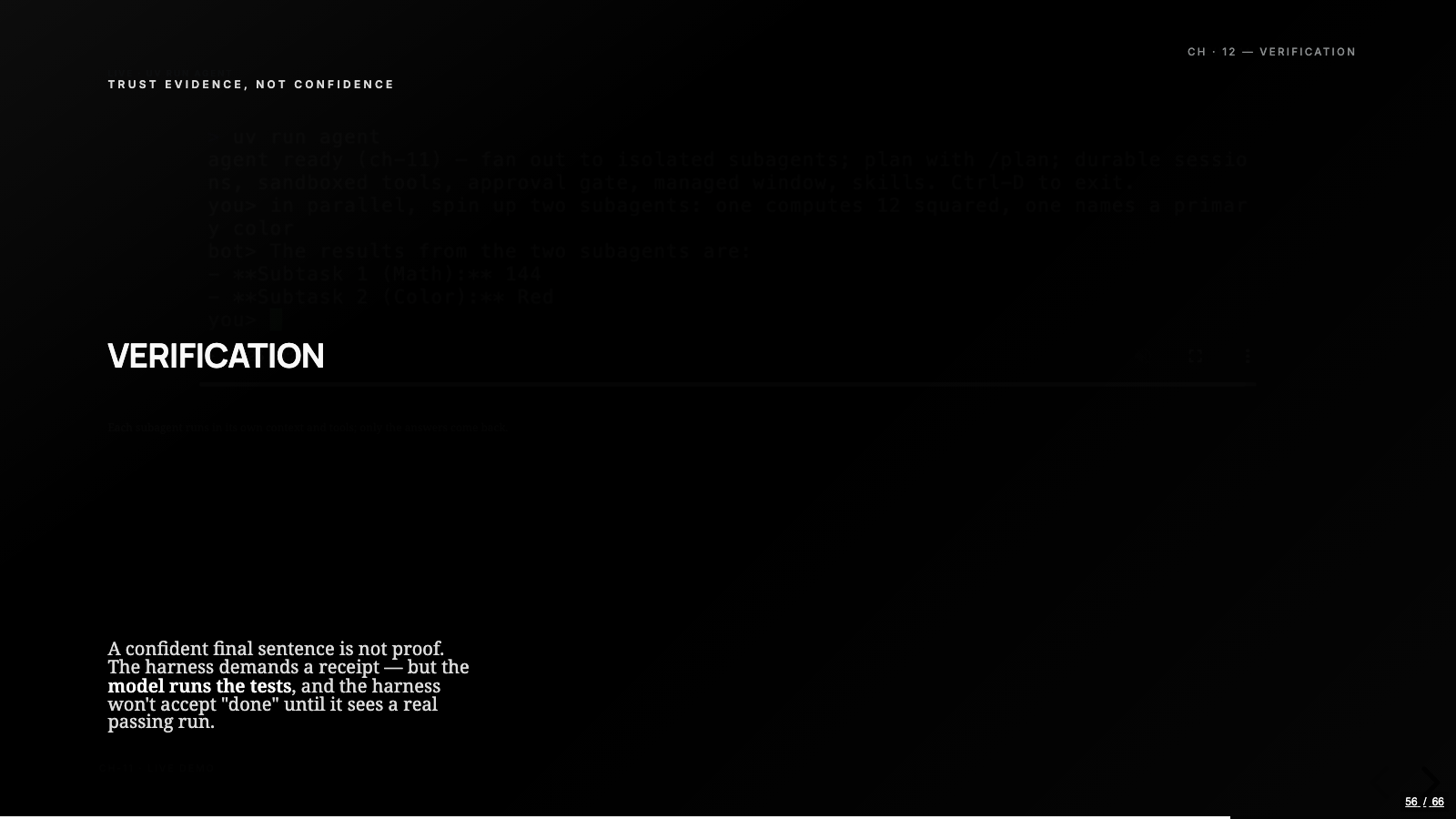
By chapter twelve the agent does real work and delegates pieces of it, and a model will say “done” in the same confident tone whether or not anything passed. So the harness stops taking the sentence and starts demanding a receipt.
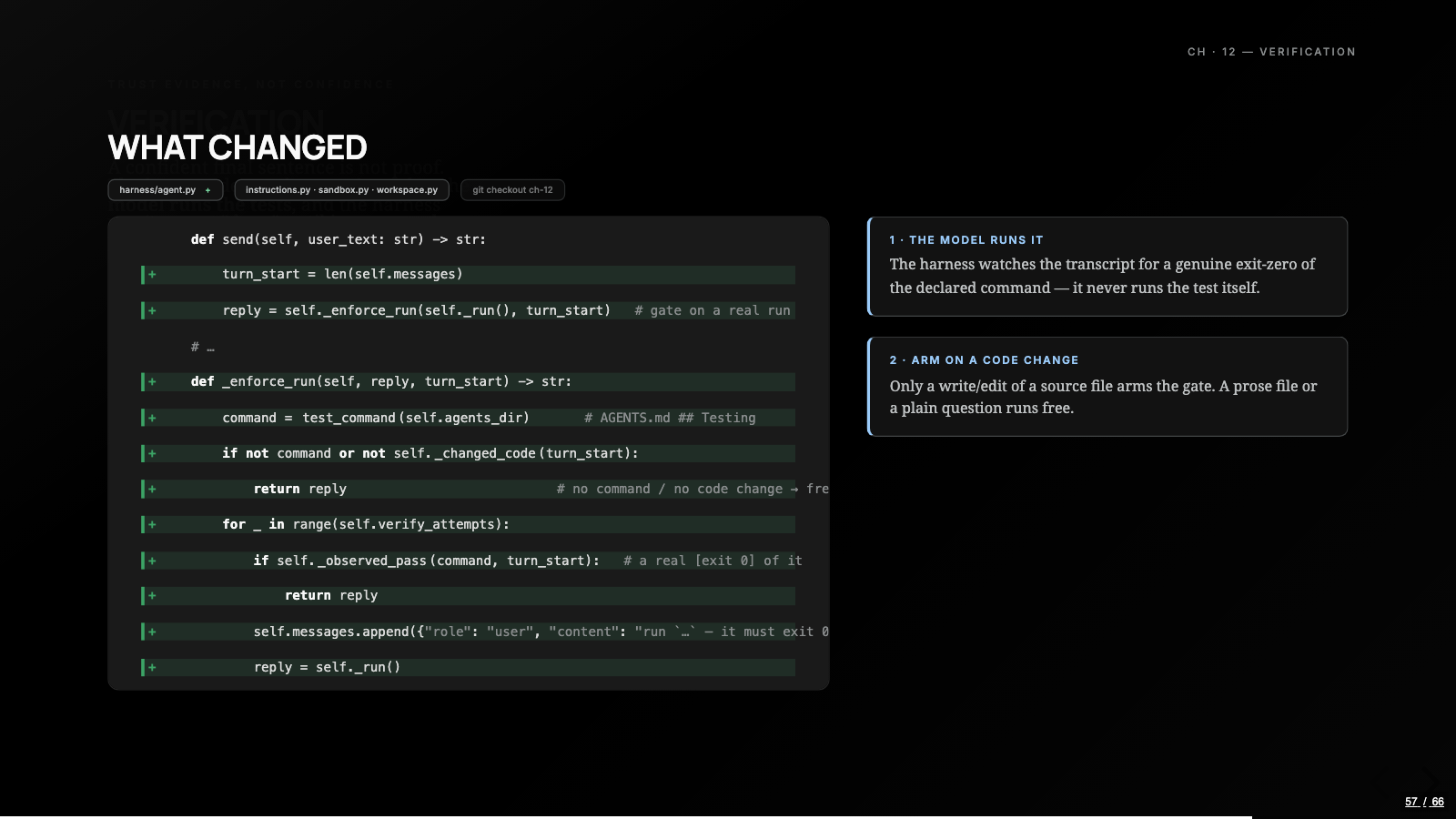
The harness never runs the tests itself, which is the part of the design I like most. It reads the test command from a Testing section in AGENTS.md, npm test, go test, uv run verify, whatever the repo declares. The gate arms only when the turn wrote a code file, decided by extension, so a plain question runs free. And then the harness just watches the transcript: it won’t accept a final answer until it sees the model itself run that command through the bash tool and exit zero. A failed run can’t count as a pass. If the receipt never shows up, the harness hands the failure back and makes the model run it again, up to a few tries. It works like a pre-commit hook the model can’t skip.
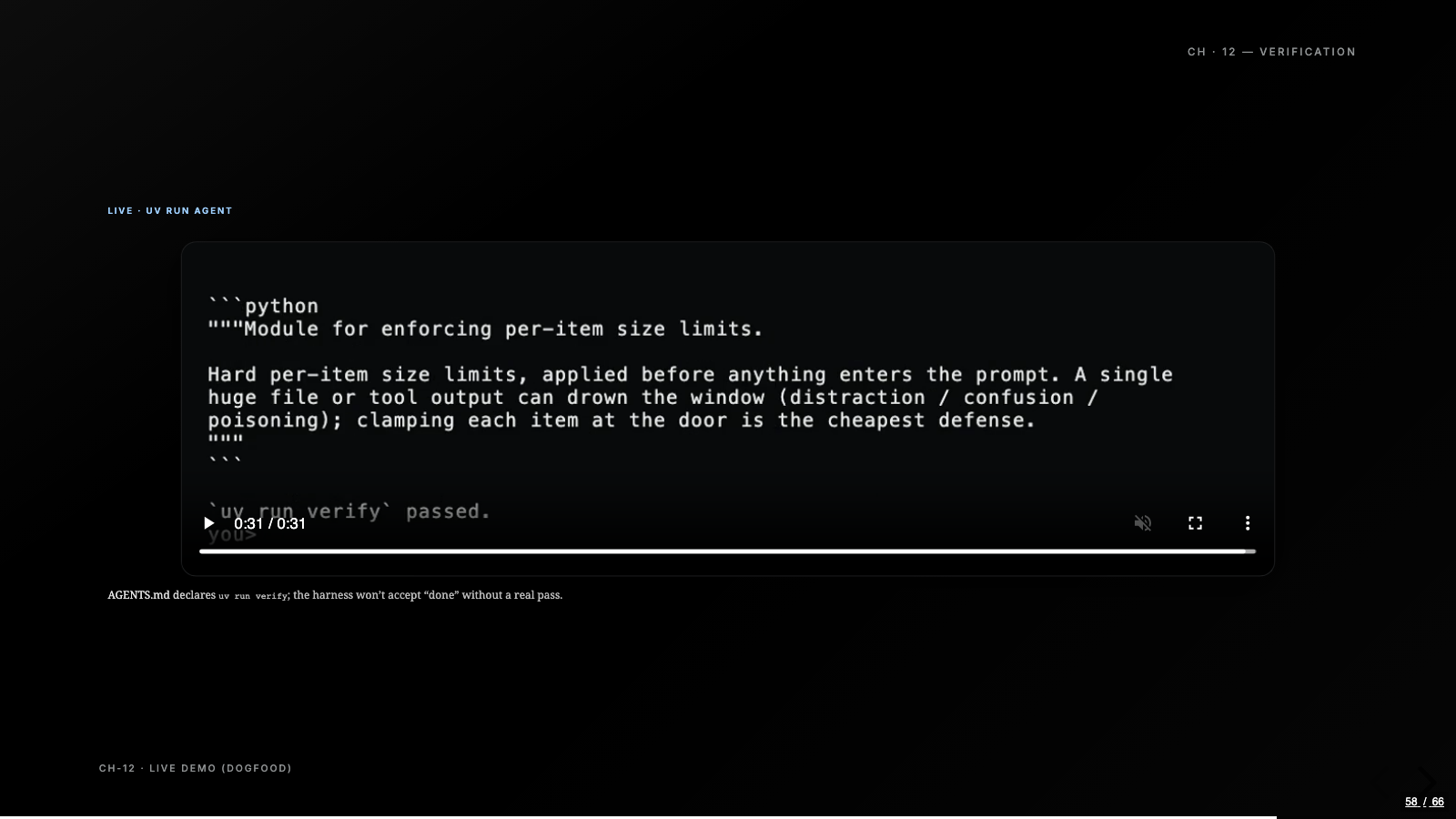
The demo for that chapter is the dogfood moment of the series: the agent points at its own repository, tidies a docstring in a harness file, and because that’s a code change, the harness refuses to accept done until it watches uv run verify pass for real.
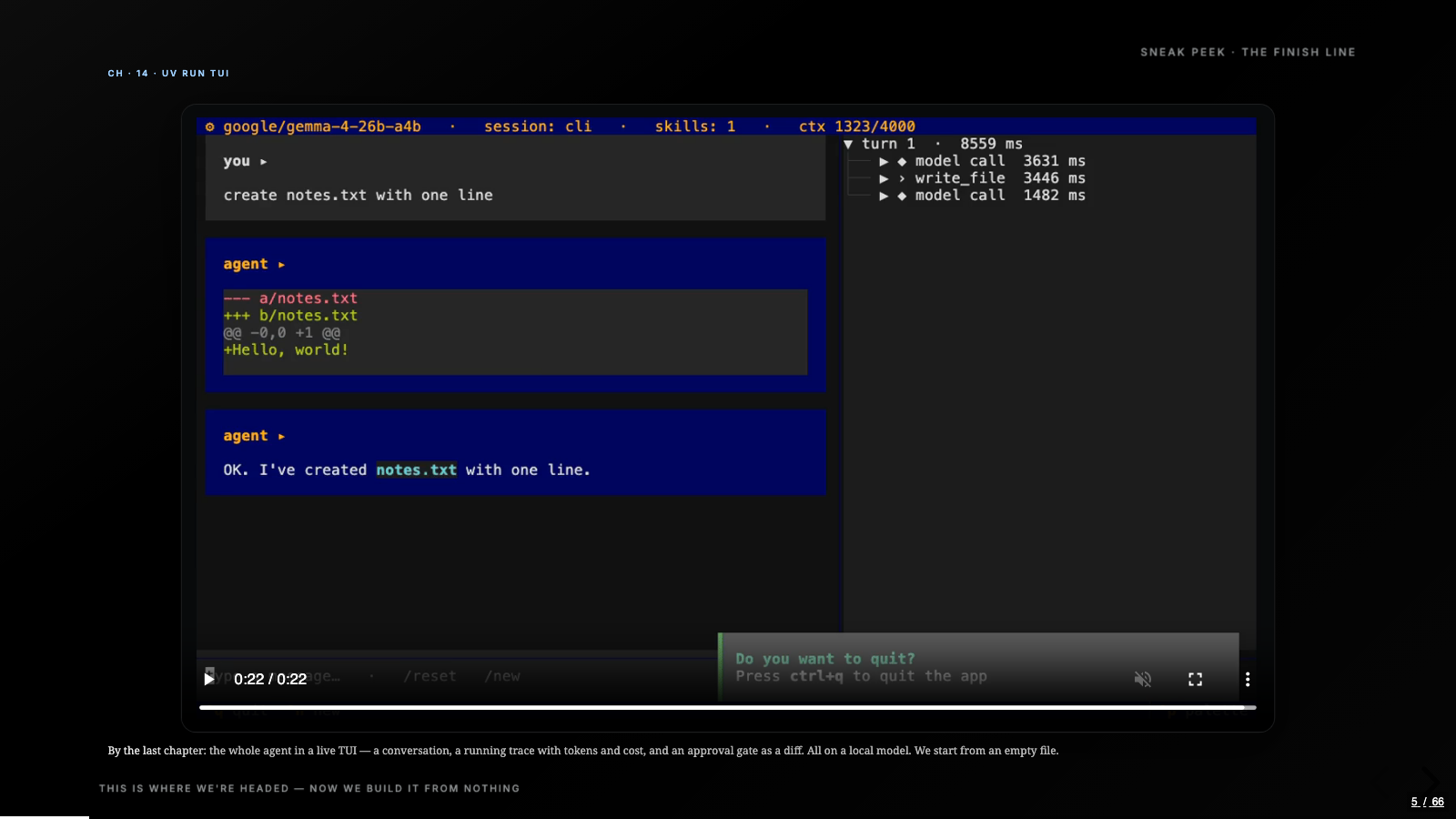
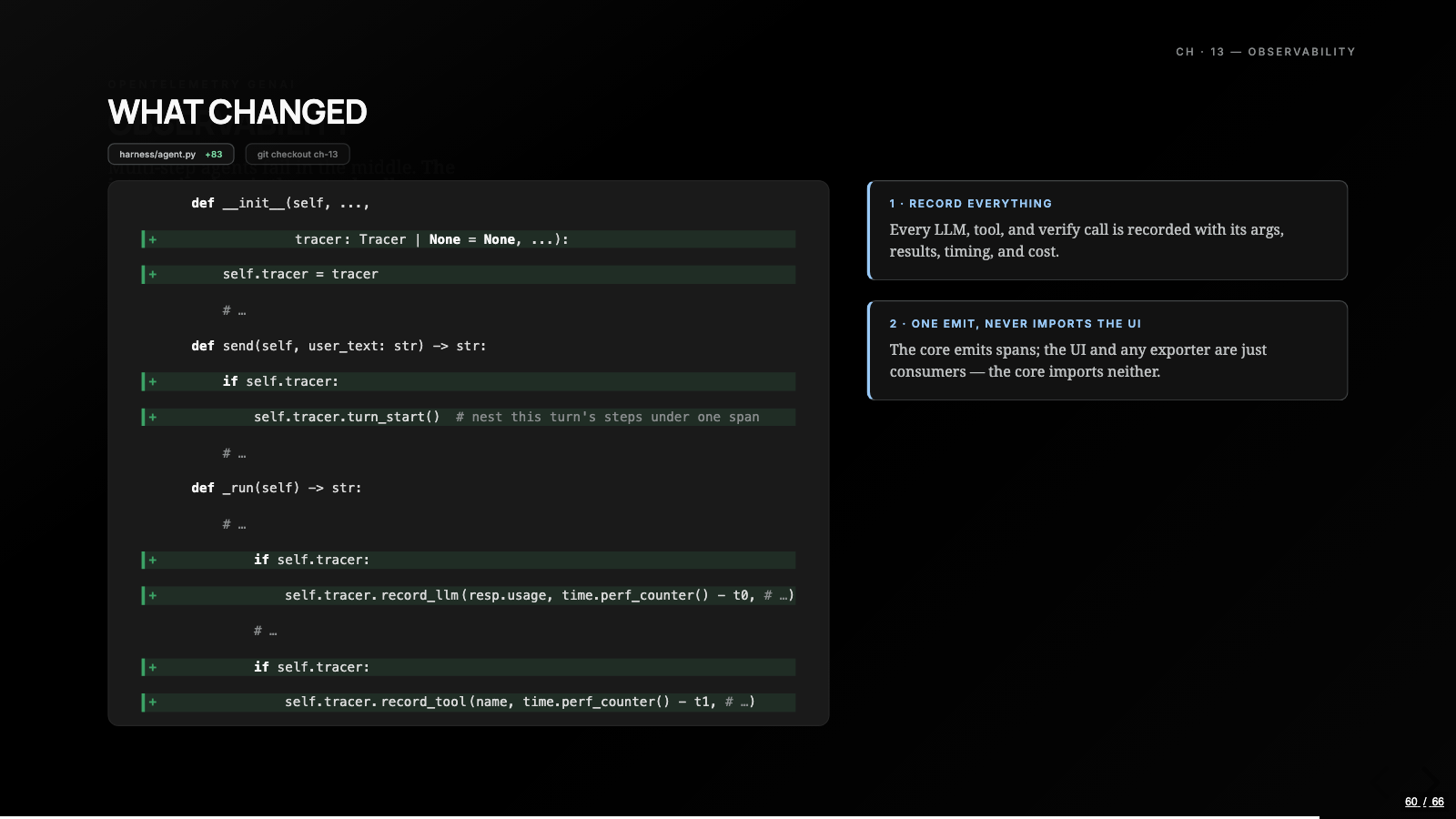
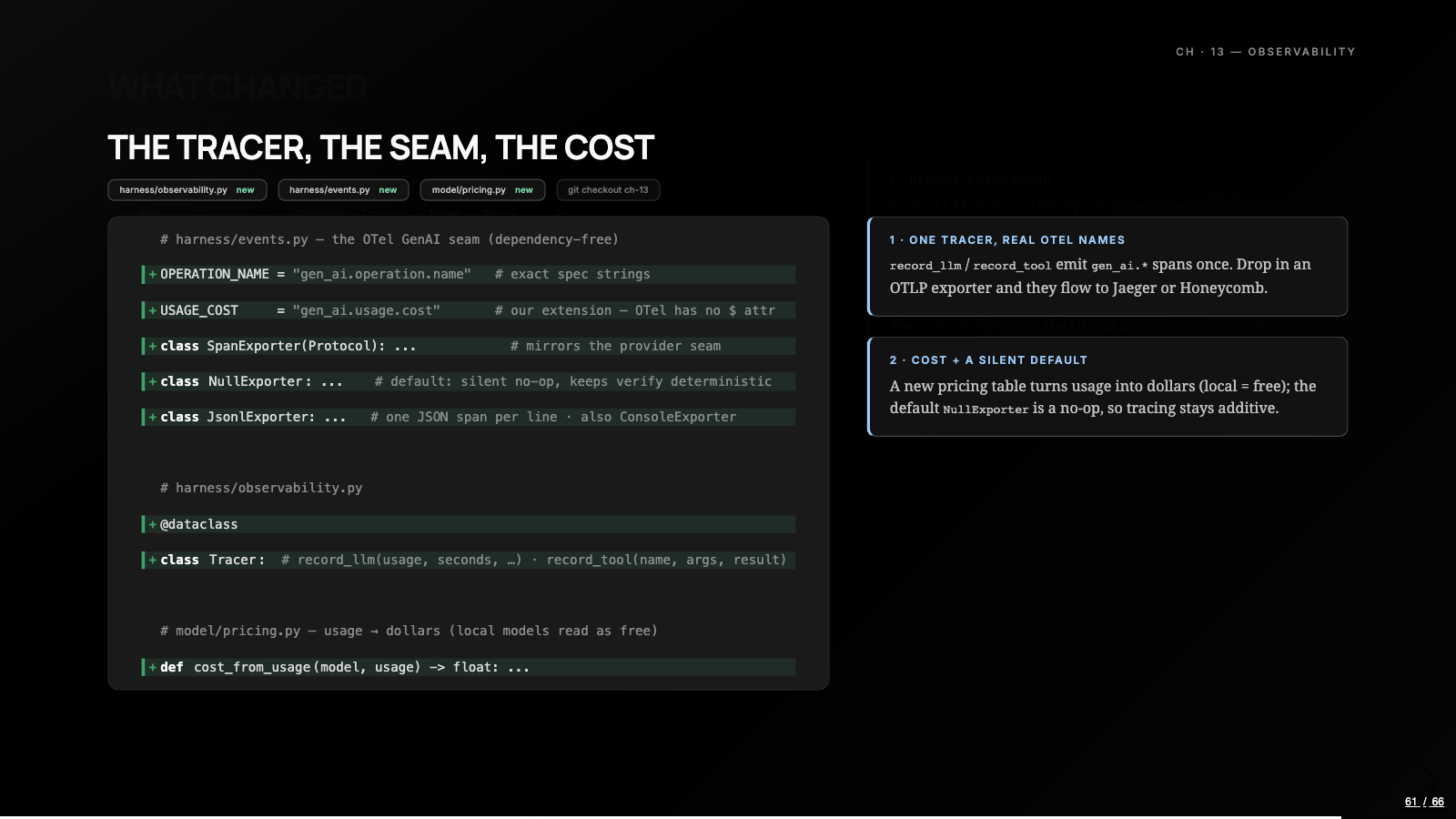
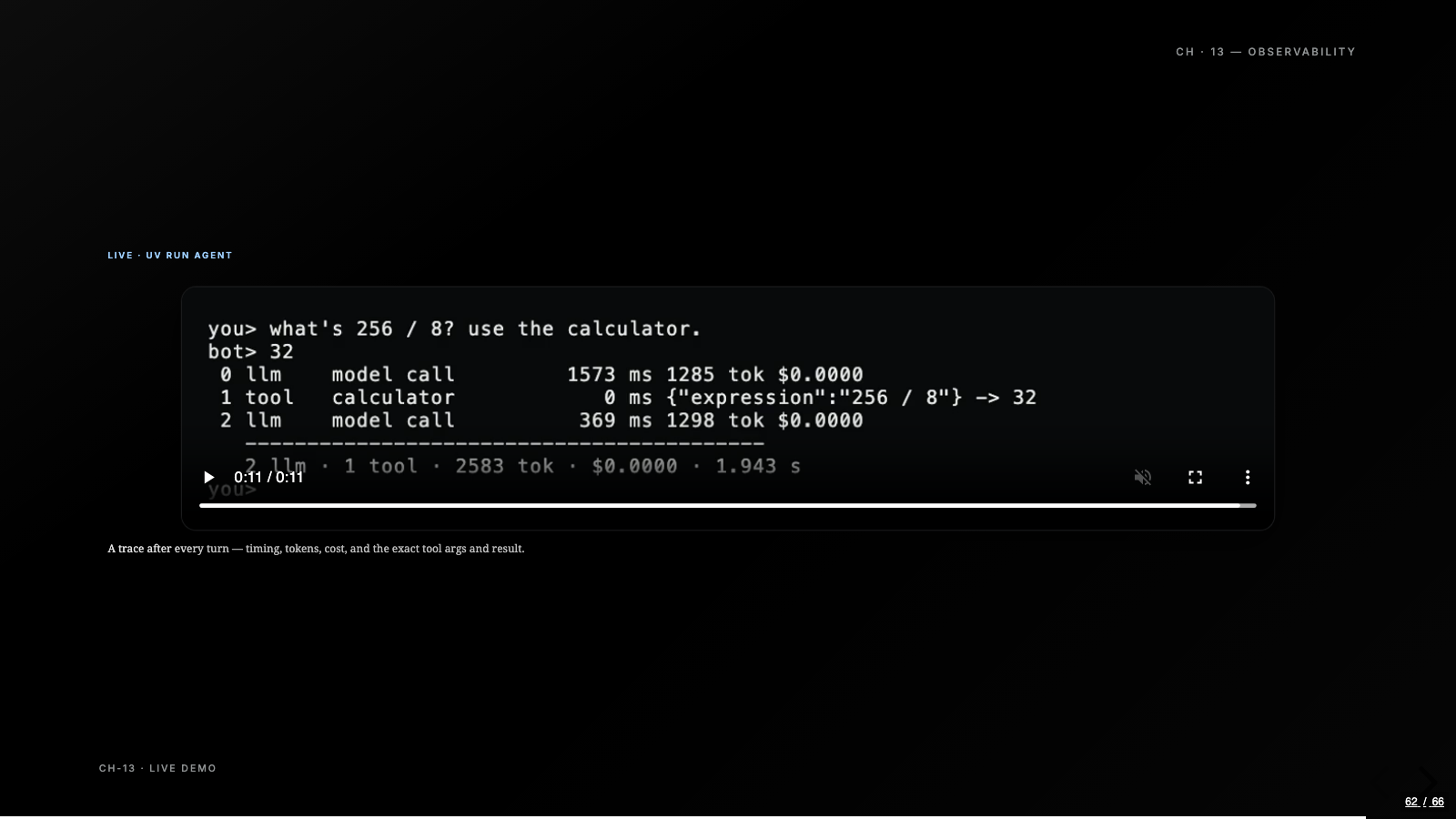
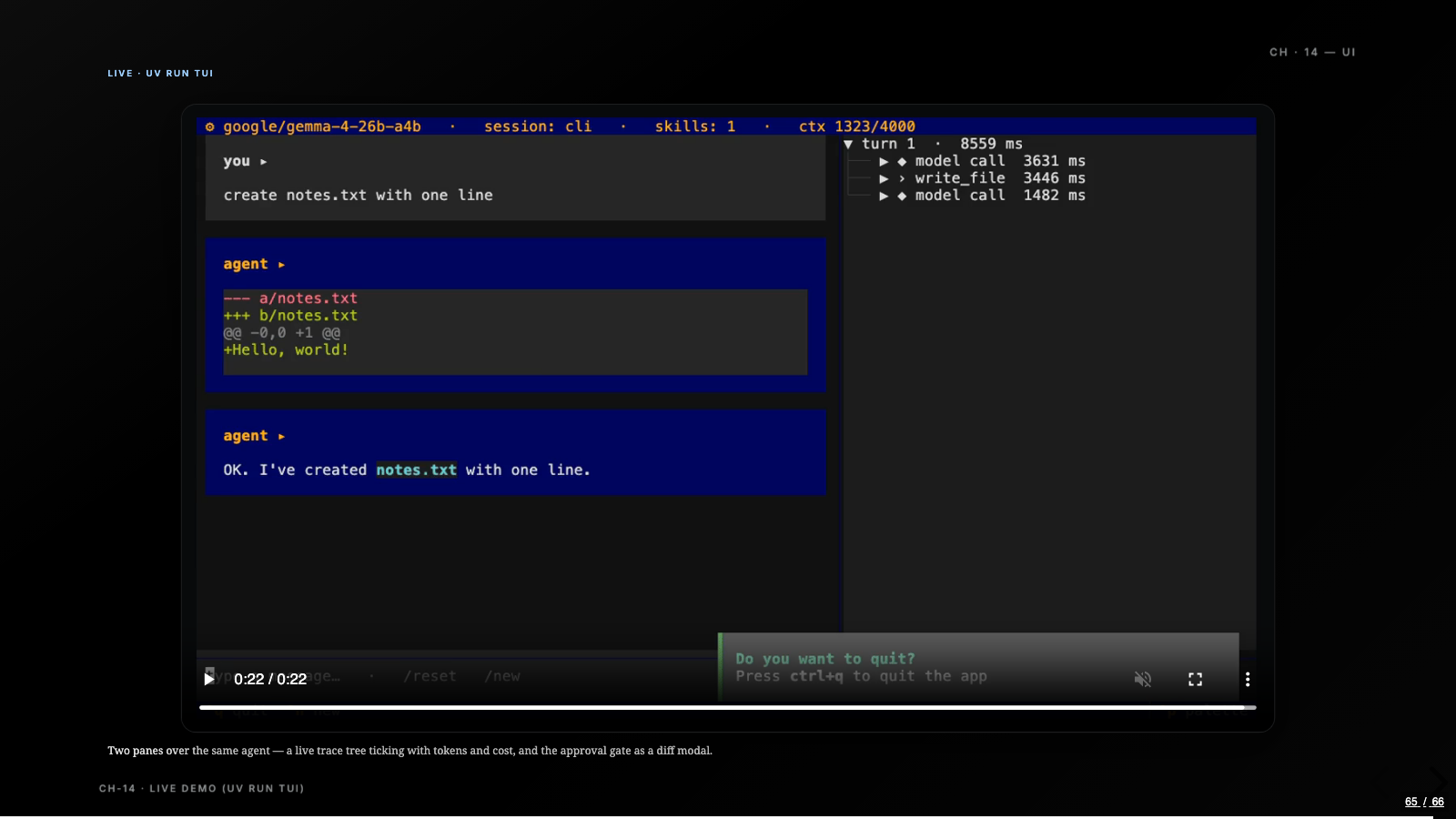
The last two chapters make the machine visible. A tracer threads through the loop and records every step as a span: model calls, tool calls, plan and verify steps, tokens, exact tool arguments and results, and cost from a small pricing table in the model package, where a local model reads as free. The span names follow the OpenTelemetry GenAI conventions, so the same spans that print in the terminal can flow to Jaeger or Honeycomb through a standard exporter. Then chapter fourteen puts a Textual TUI on top: conversation on the left, live trace tree on the right, and the approval gate grown into a modal that shows a real unified diff before a file edit lands. The UI runs the same agent in a worker thread and renders what the tracer records; it consumes events and owns nothing, which is why it took one chapter.
The model never changed
Zoom all the way out. The same weights that forgot their own name in chapter one are, by chapter fourteen, holding a conversation, planning multi-step work, delegating to subagents, refusing to claim done without a passing test run, and streaming traces into a terminal UI. Roughly 2,500 lines of Python did that, wrapped around a small model on my own machine. The theory post argued that most of what reads as agent magic is harness; this build is the argument you can check out and run.
It also changed how I read other people’s agents. Once you’ve built the loop, the registry, the gate, and the seam yourself, open-source coding agents stop being opaque: you go looking for where they keep the message list, how they cap tool output, where the approval gate sits, and the architecture keeps rhyming, a UI that talks to a harness that talks to a model.
This build also became the patient for the next post. The self-evolving harness experiment runs on exactly this agent, and the bug it finds lives in code from chapter six. That clamp that lands a giant log as 4,000 characters keeps the head of the file and drops the tail, and a task’s answer sat past the cut. An outside model diagnosed it, proposed raising the number, and a pipeline proved the fix safe before opening a pull request. We wrote every line of this harness by hand across fifteen chapters, which is precisely what made it a good subject: when something else finally edited it, I could read the diff and know exactly which chapter it was touching.
If the map post was the theory, this is the version you can run. Start anywhere in the tags, but my suggestion is git checkout ch-01 first: watch it forget your name, then add the list and the two appends yourself. Every primitive in this series got real for me at exactly that kind of moment, and I don’t think there’s a shortcut to it.
Every figure in this post is a slide from the video, redrawn for the page. The full deck lives here too.
 01 / 66
  02 / 66
  03 / 66
  04 / 66
  05 / 66
  06 / 66
  07 / 66
  08 / 66
  09 / 66
  10 / 66
  11 / 66
  12 / 66
  13 / 66
  14 / 66
  15 / 66
  16 / 66
  17 / 66
  18 / 66
  19 / 66
  20 / 66
  21 / 66
  22 / 66
  23 / 66
  24 / 66
  25 / 66
  26 / 66
  27 / 66
  28 / 66
  29 / 66
  30 / 66
  31 / 66
  32 / 66
  33 / 66
  34 / 66
  35 / 66
  36 / 66
  37 / 66
  38 / 66
  39 / 66
  40 / 66
  41 / 66
  42 / 66
  43 / 66
  44 / 66
  45 / 66
  46 / 66
  47 / 66
  48 / 66
  49 / 66
  50 / 66
  51 / 66
  52 / 66
  53 / 66
  54 / 66
  55 / 66
  56 / 66
  57 / 66
  58 / 66
  59 / 66
  60 / 66
  61 / 66
  62 / 66
  63 / 66
  64 / 66
  65 / 66
  66 / 66
 This post also exists as a 34-minute video deep dive, with the same diagrams drawn live. Watch it on YouTube.
Written by Ankit Desai. New posts ship every few weeks, each with a video edition.